
Web analytics + live chat
Understand your visitors.Help them become customers.
See where visitors come from, what they do, and which sources bring revenue. Answer their questions with built-in live chat, all from one place.
No card required · Unlimited websites · Unlimited live chat
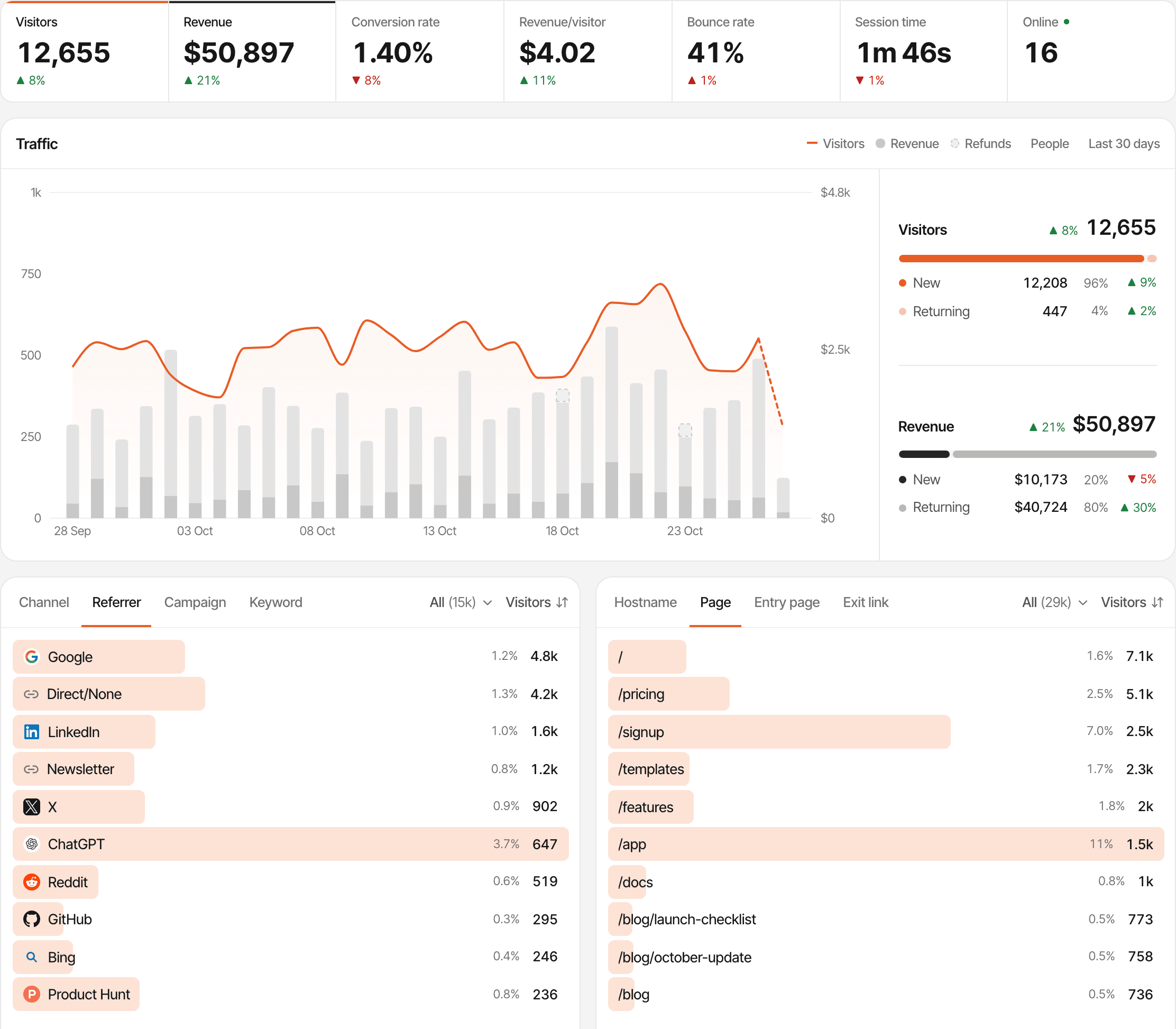
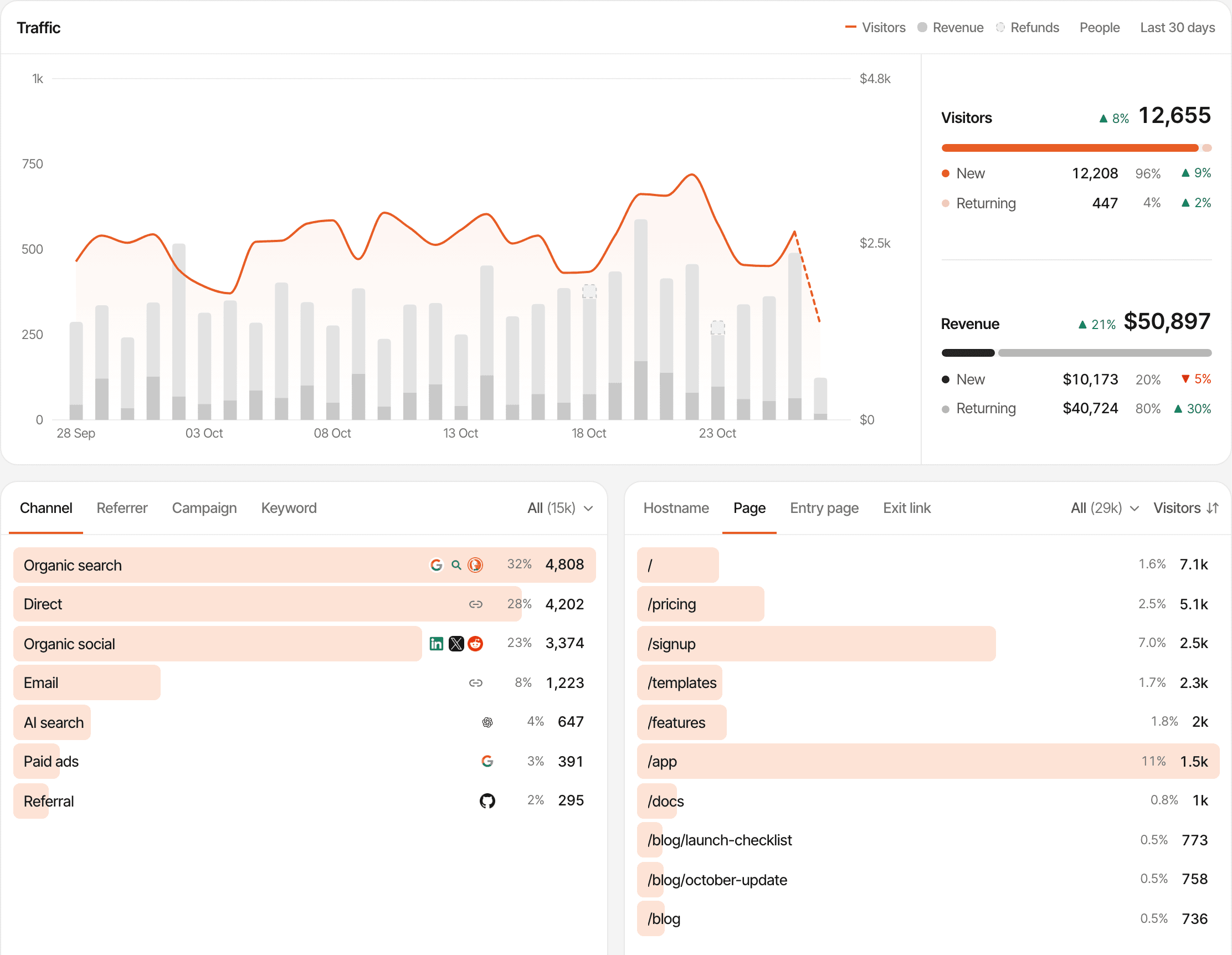
Know what brings people to your website.
See which sources and campaigns send visitors your way, which pages they explore, and how traffic changes over time.
- Discover your strongest traffic sources.
- Find the pages people visit most.
- Follow live activity and traffic trends.
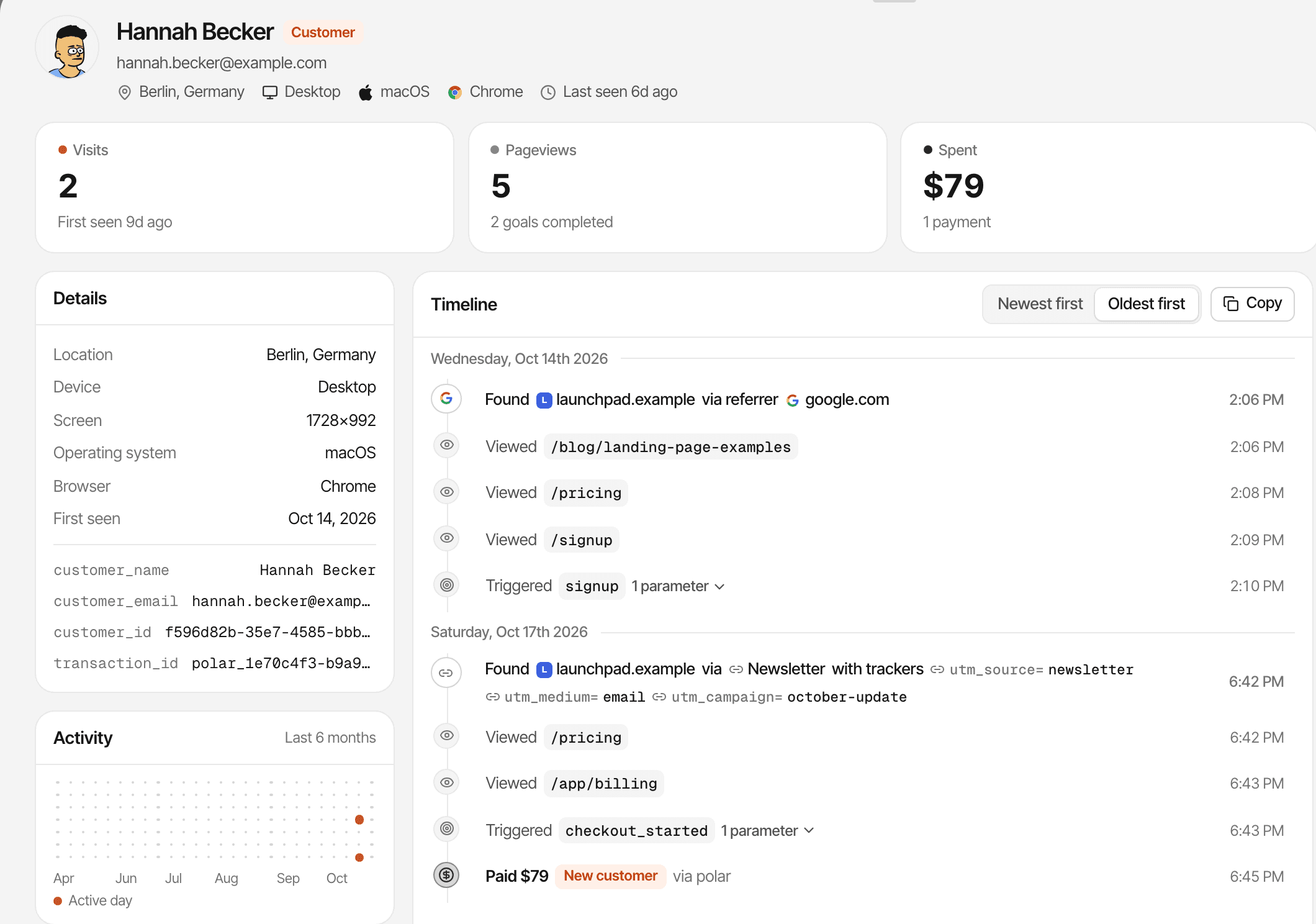
See what happens between the first visit and the sale.
Follow visitor journeys, track important actions, and connect conversions and revenue to the sources that brought people in.
- Follow page visits and tracked actions.
- Measure goals and conversions.
- Understand which sources bring revenue.
More about revenue attribution
One customer's visits, pages, goals and payment, in order.
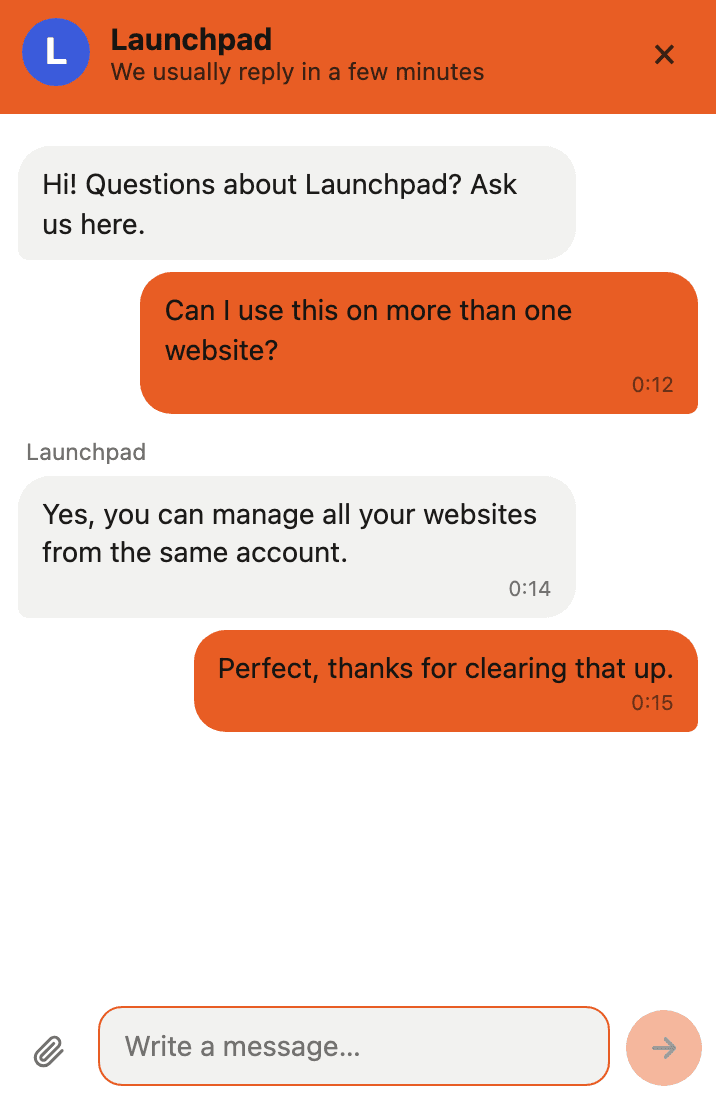
A simple question shouldn't cost you a customer.
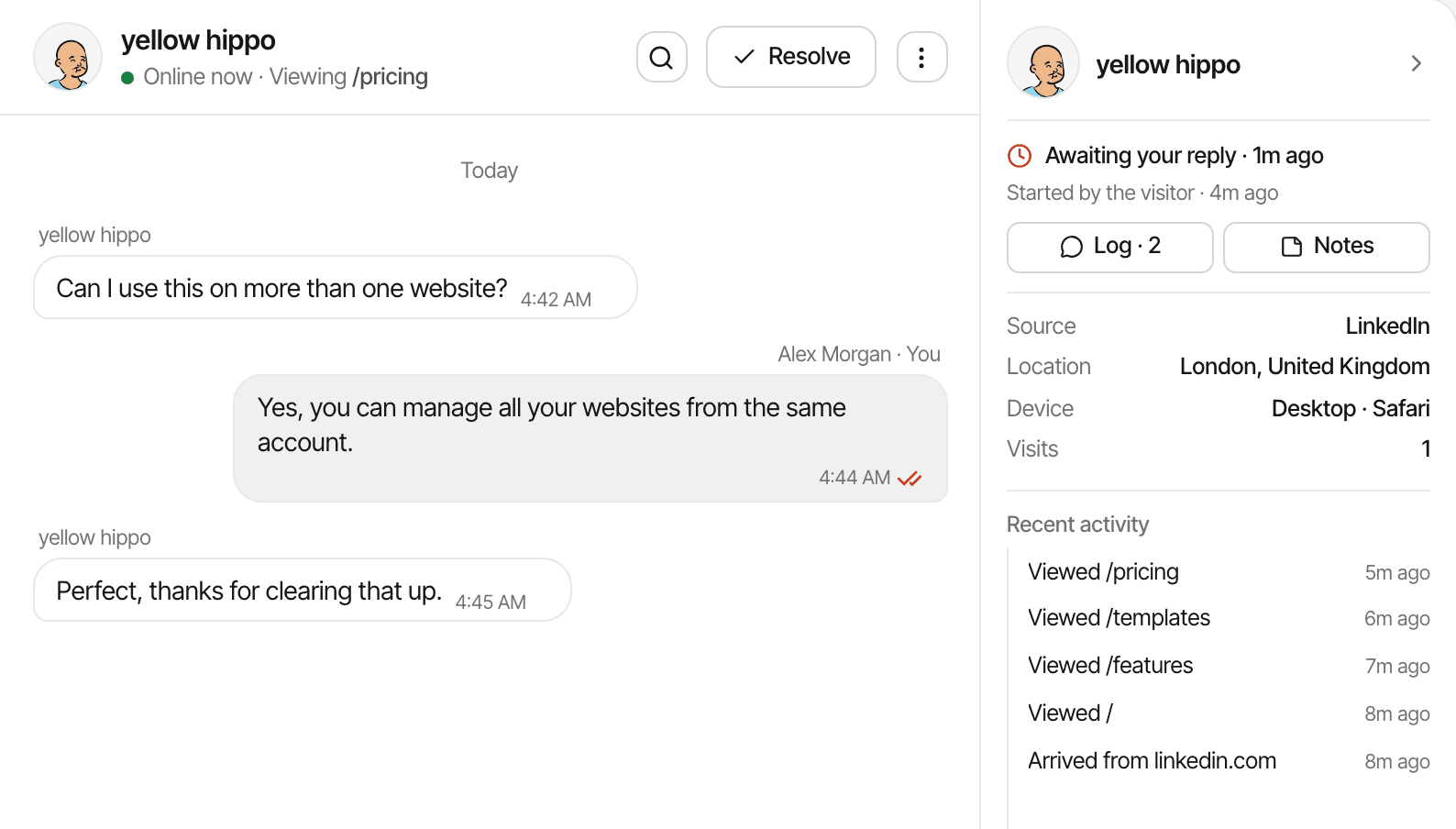
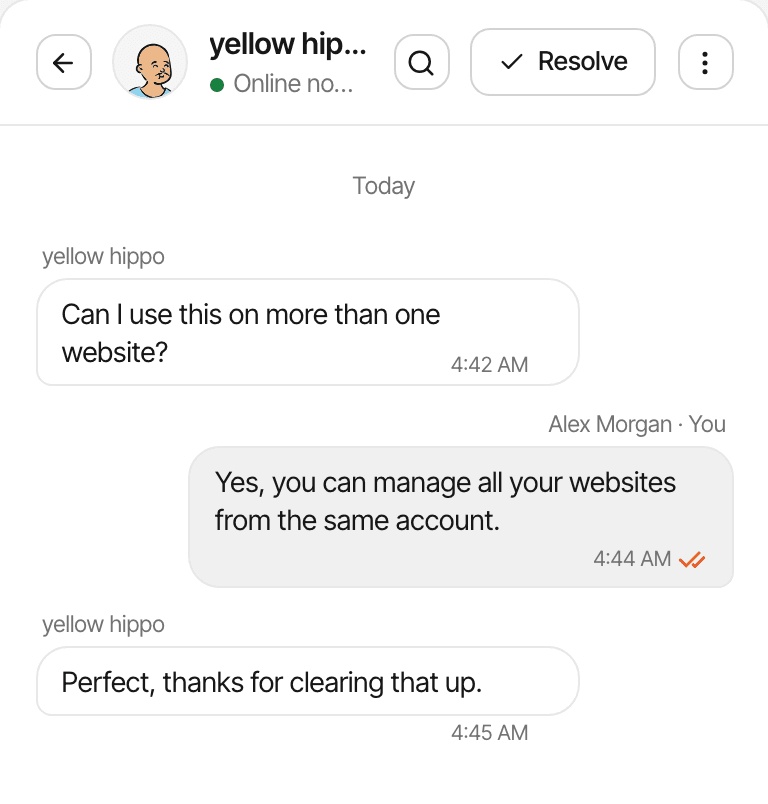
Give visitors a way to ask for help while they browse. Answer questions, clear up confusion, and manage conversations alongside your analytics.
- Built-in chat for your website.
- Unlimited conversations and messages.
- One inbox across your websites.
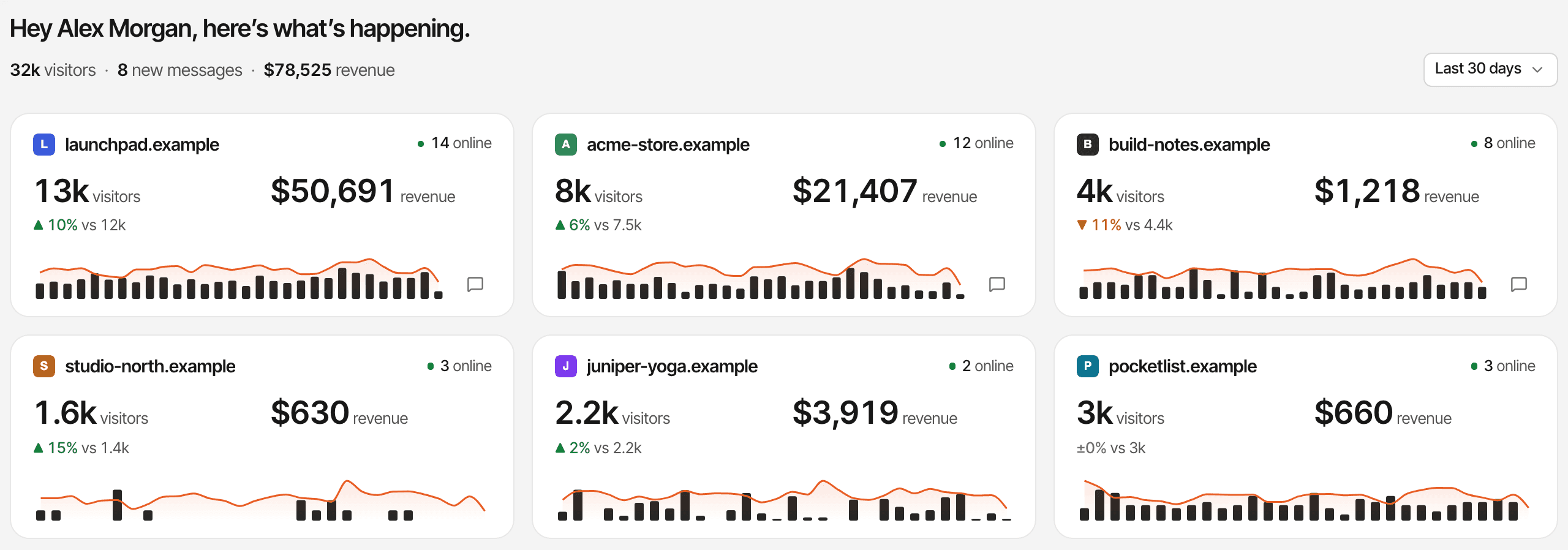
All your websites. One place to understand them.
Check performance across your websites, open individual dashboards, and handle visitor conversations from one account.
- Unlimited websites.
- A clear overview across your sites.
- One inbox for website conversations.
Also included, on every plan.
The details that make the numbers useful day to day.
Custom events
Record sign-ups, button clicks or any action from JavaScript, an HTML attribute or your server.
Conversion goals
Turn a page visit or an event into a goal and see how many visitors complete it.
Cookieless mode
Run the script without cookies: visitors are recognised by a daily hash instead, so journeys across days aren't followed.
Outbound clicks
Clicks on links to other websites are recorded without any setup.
AI crawler activity
See which AI crawlers access your pages and how often.
Live visitor map
Watch who is on your website right now, where they are and what they're reading.
Add your website. Install the script. Start learning.
Three steps, all inside the app. Live chat uses the same script: turn it on in Settings and the chat bubble appears on your website, with no extra code.
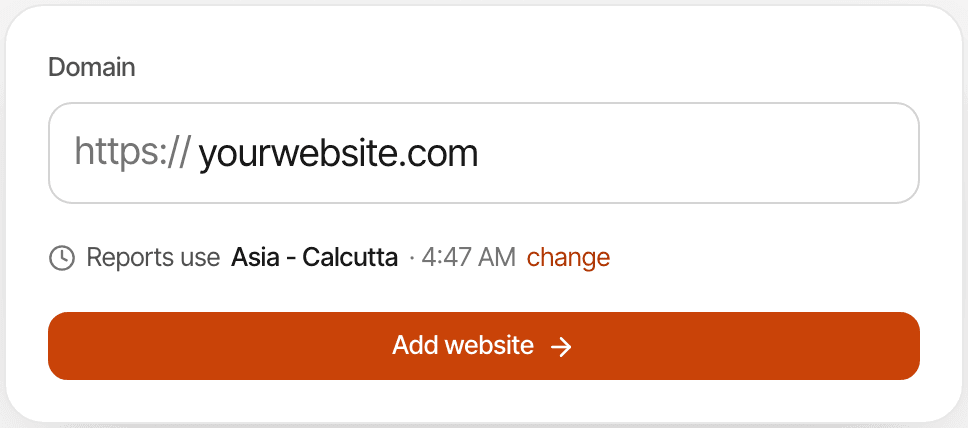
Step 1: Add your website.
Give your website a name and enter its URL.
Step 2: Install the tracking script.
Copy your script into your website using the supported setup instructions.
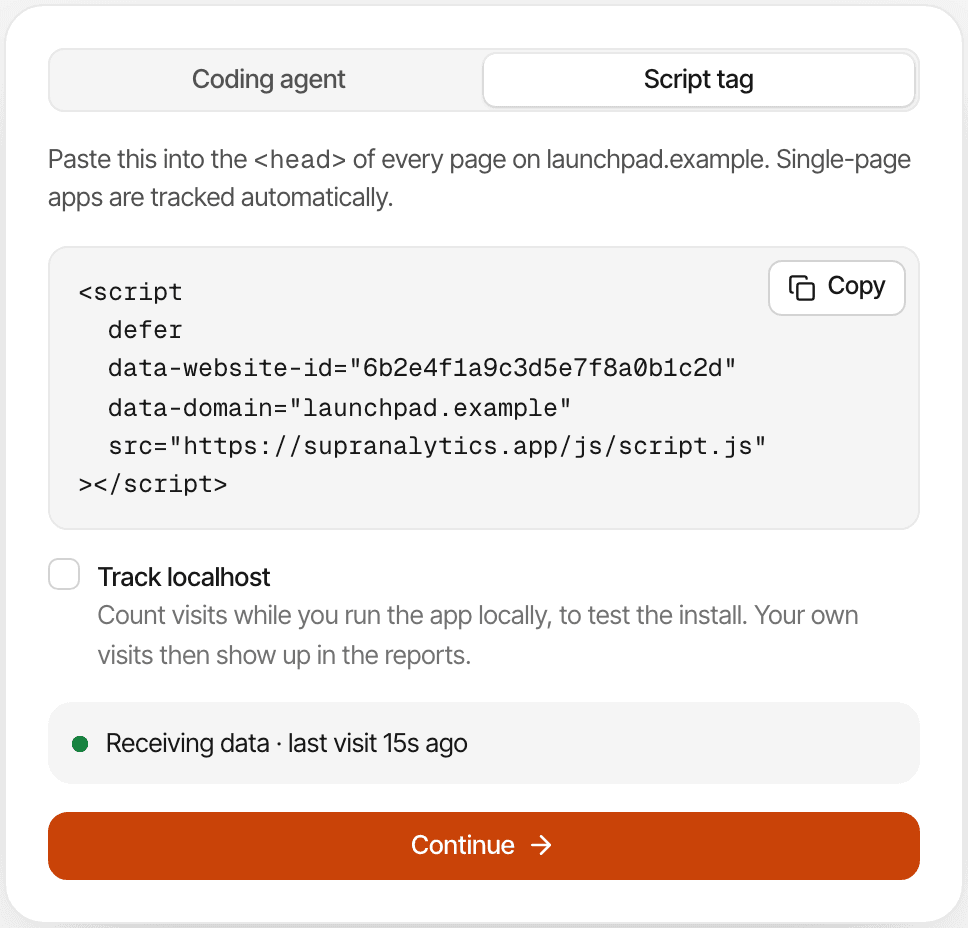
Step 3: Explore your analytics and chat.
Start reviewing activity and configure live chat for your visitors.
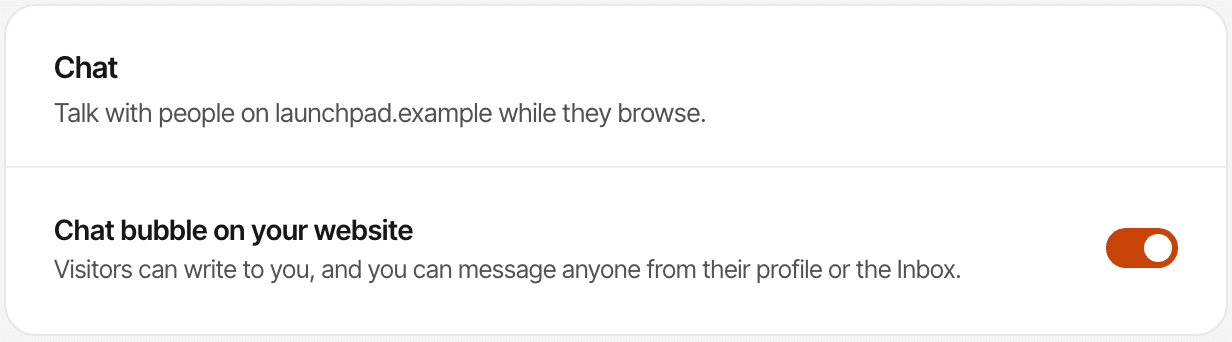
There are guides for Next.js, React, WordPress, Webflow, Shopify and more in the installation docs.
Simple pricing. Room to grow.
Unlimited websites and live chat. Choose your monthly events. Every plan starts with a 14-day free trial.
Shared across all your websites
- 1 GB
- Attachment storage
- 2 years
- Data historyApplies to analytics and chat conversations.
- Unlimited websites
- Unlimited live chat
- No overage charges
Questions, answered.
<head> of your pages or follow the guide for your platform. Live chat needs no extra code: turn it on in Settings → Chat and the chat bubble appears on your website.Get closer to the people behind your traffic.
Understand how visitors find you, learn what they do, and answer their questions from one place.