
Live chat
Live chat that knows where your visitors came from
Talk to the people on your website with their traffic source, location, device and the pages they've read right beside the conversation. Analytics and live chat from one script, in one dashboard.
14-day free trial · No card required · From $9/month
A chat message only tells you half the story
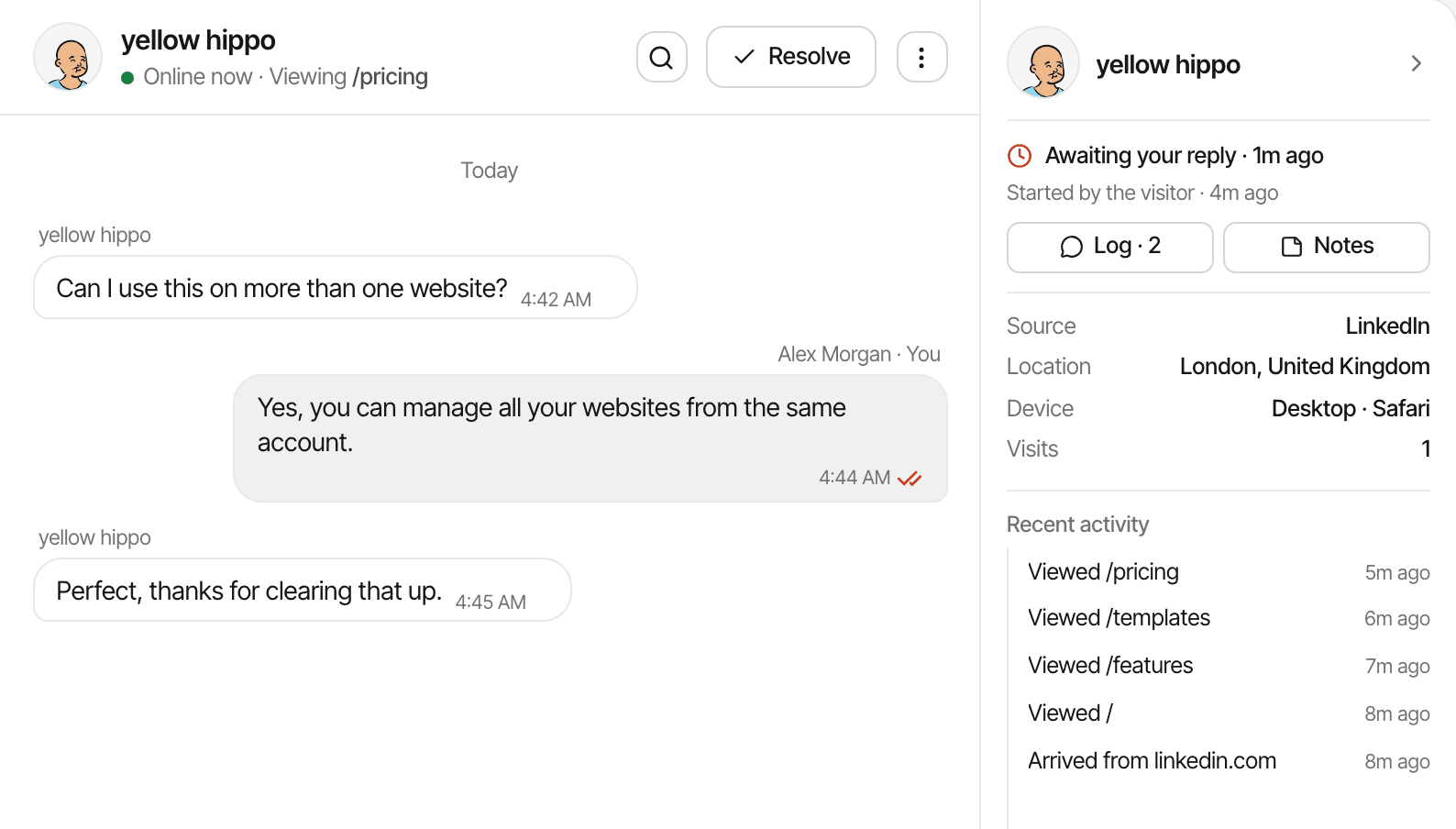
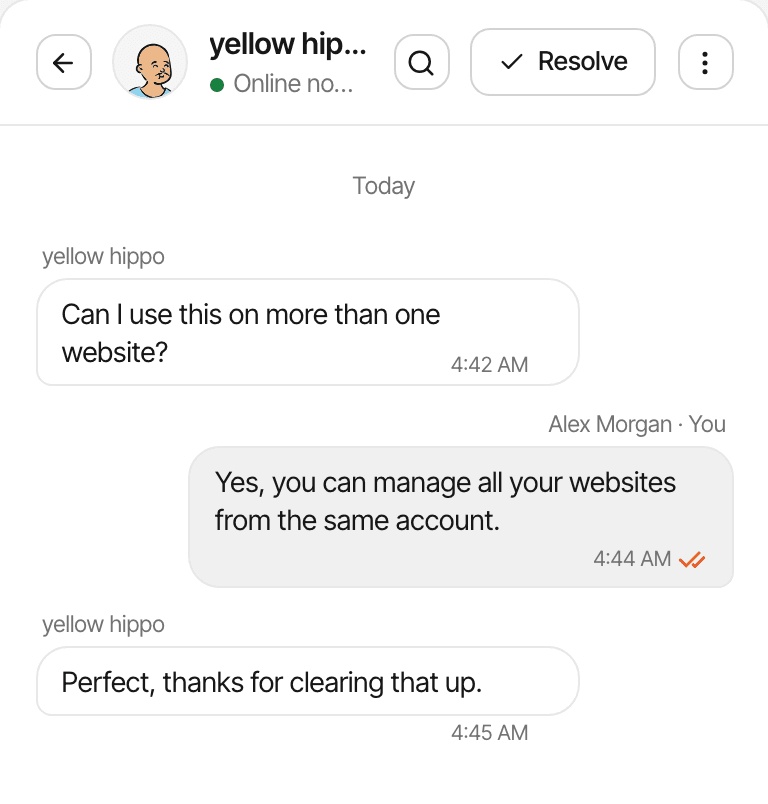
Someone opens the chat and asks a question. On its own, the message says nothing about who is asking or what they were trying to do. With the visitor's analytics beside it, you can answer the question they actually have.
Without visitor context
A message, and nothing else. Which page are they on? Did they read the docs already? Are they a new visitor or someone who keeps coming back?
In SuprAnalytics
- Viewing
- /pricing
- Source
- Location
- Berlin, Germany
- Device
- Desktop · Chrome
- Visits
- 2
- Recent activity
- Viewed /pricing
- Viewed /docs/stripe
- Viewed /
- Arrived from google.com
They came from Google, read the Stripe guide, and are on the pricing page on their second visit. That's a buyer with one question left.
Know more before you reply
Every conversation in the Inbox opens with the visitor's analytics next to it: nothing to look up, nothing to ask them for.
- Traffic source
- Whether the visitor arrived from a search engine, a social network, a link on another website, a campaign you tagged, or typed your address in.
- Pages viewed
- The pages they opened on this visit and the ones before, in order, with the page they are reading right now.
- Location and device
- Their country and city as the analytics work them out, and the device and browser they're on.
- Visitor journey
- How many times they've visited, when they first came, and the goals and payments on their record, the same journey the analytics show.
All of it comes from the visitor's tracked activity on your website. A name or email appears only when the visitor types it into the chat, or your app identifies a signed-in user.
Analytics and live chat. One installation.
The chat bubble comes from the same script as your analytics. There's no second snippet to install, no separate account, and no integration to build between the two.
Add the tracking script
One line in the
<head>of your pages, or the guide for your platform. Your analytics start right away.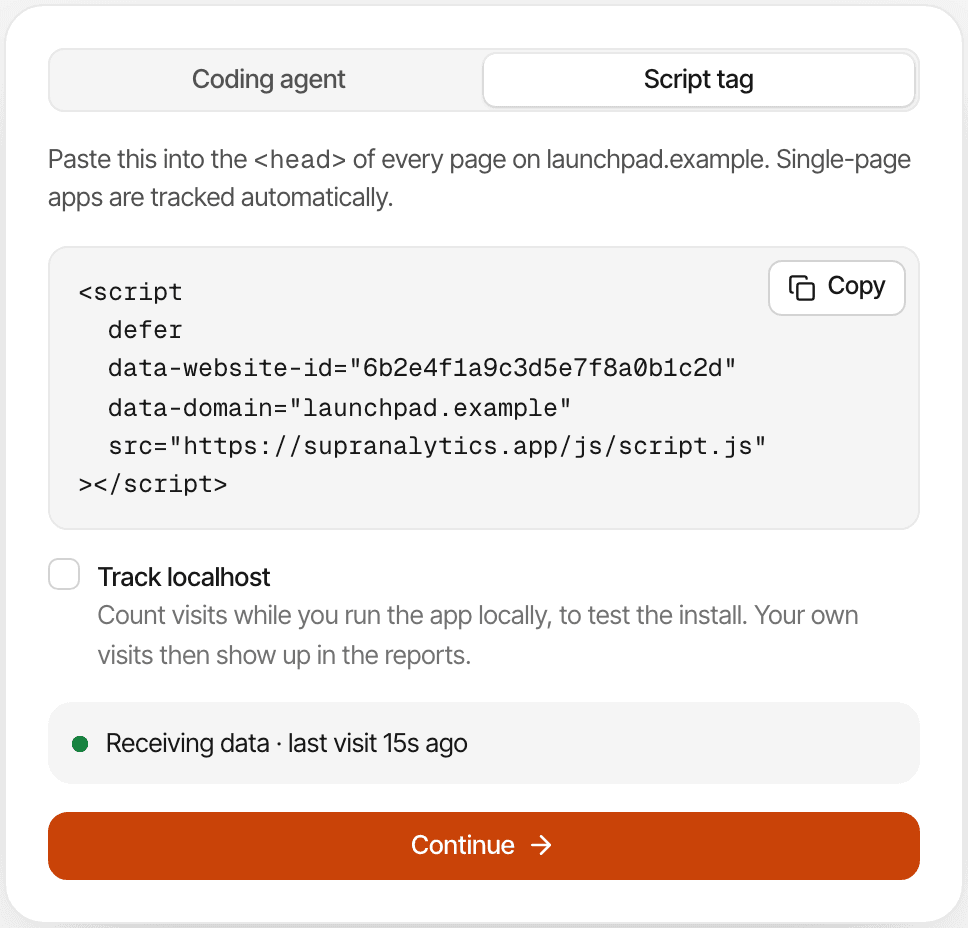
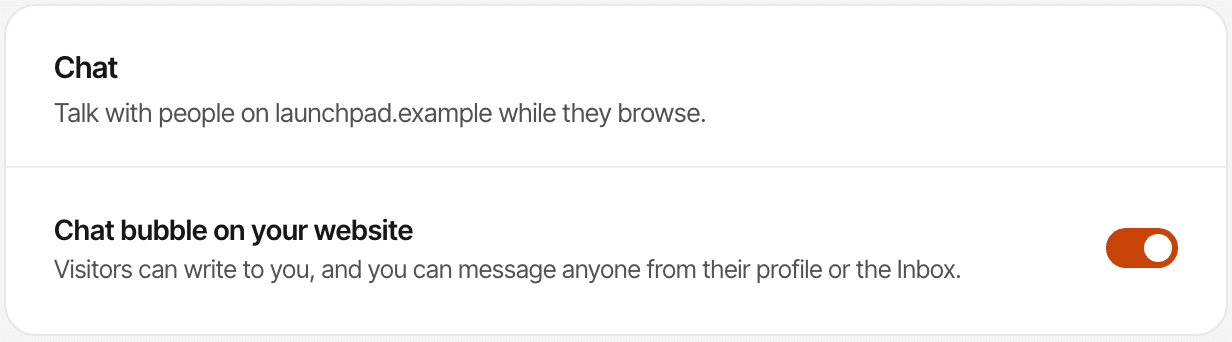
Turn on live chat
One switch in Settings → Chat puts the chat bubble on your website. Pick its colour, name and greeting, and the pages it stays off.
Start talking to visitors
Visitors write to you from the bubble. Their messages land in the Inbox with their analytics beside them, and you reply from the Inbox or from Telegram, and your replies reach them on the website or, once they've left, by email.
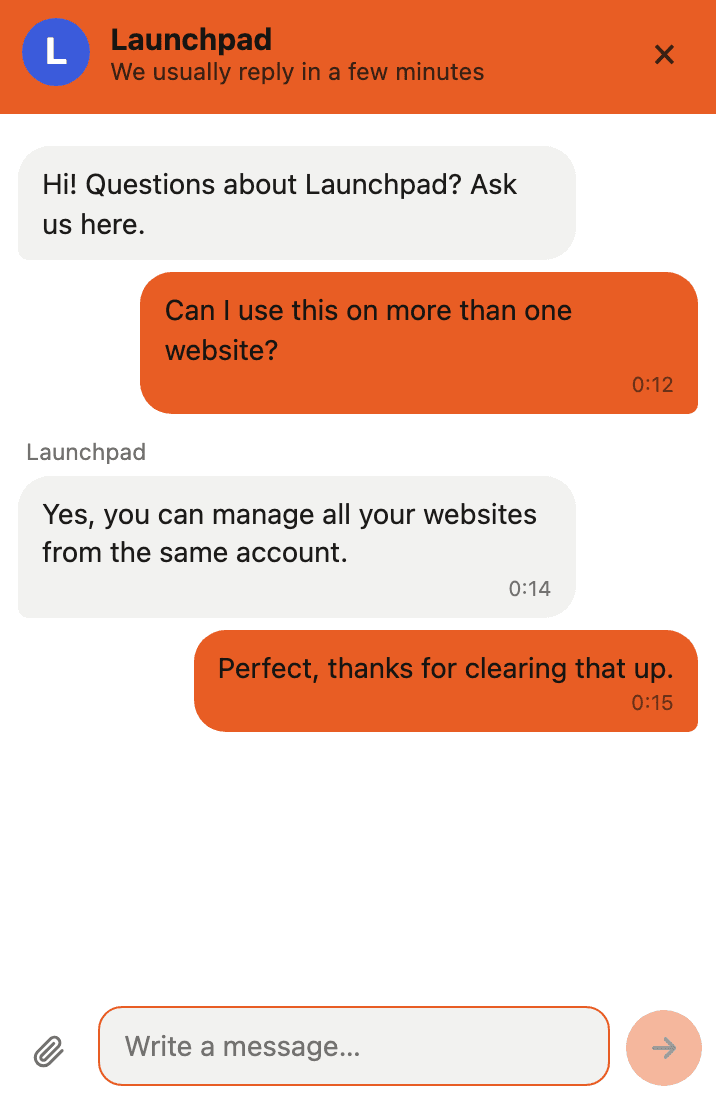
Your visitors don't have to wait for you to open the dashboard
Most questions arrive while you're doing something else. Two ways to answer them anyway, both built in.
Reply from Telegram
Connect Telegram once in your account, and every visitor message reaches you there, whether or not the dashboard is open.
- A visitor writes in the chat bubble on your website.
- The message arrives in Telegram with a “Reply now” button and a link to the conversation.
- Tap it and type your answer, or just reply to the message.
- The visitor sees your reply on the website, under your chat's name. The bot tells you where it went.
Follow up by email
When you're away, the chat asks the visitor for an email so your answer can reach them later. Conversations don't end when the tab closes.
- A visitor leaves their email in the chat, or your app has identified them.
- You reply after they've gone. A couple of minutes later, the reply goes to their inbox.
- The email links back to the conversation: it reopens in the chat bubble on any device.
Replies you send from the Inbox or Telegram all appear to the visitor as your chat's name. Telegram is connected per person under Account → Notifications; email follow-ups need nothing set up.
Start the right conversation on the right page
A page alert watches for visitors opening a page you choose. Give it a message, and the chat opens with that message the moment someone lands there: once per visitor, as your chat's name, whether or not you're at the dashboard.
- Choose the page by its address: anything containing /pricing, for example
- Write the message yourself; nothing is generated or guessed
- It goes out once per visitor and alert, so nobody is nagged
- Replies land in the Inbox like any other conversation
A visitor opens
yourwebsite.com/pricing
The chat opens with your message
LaunchpadNeed help choosing a plan? Ask us anything.They answer, and it's a conversation in your Inbox
VisitorWhich plan covers three websites?
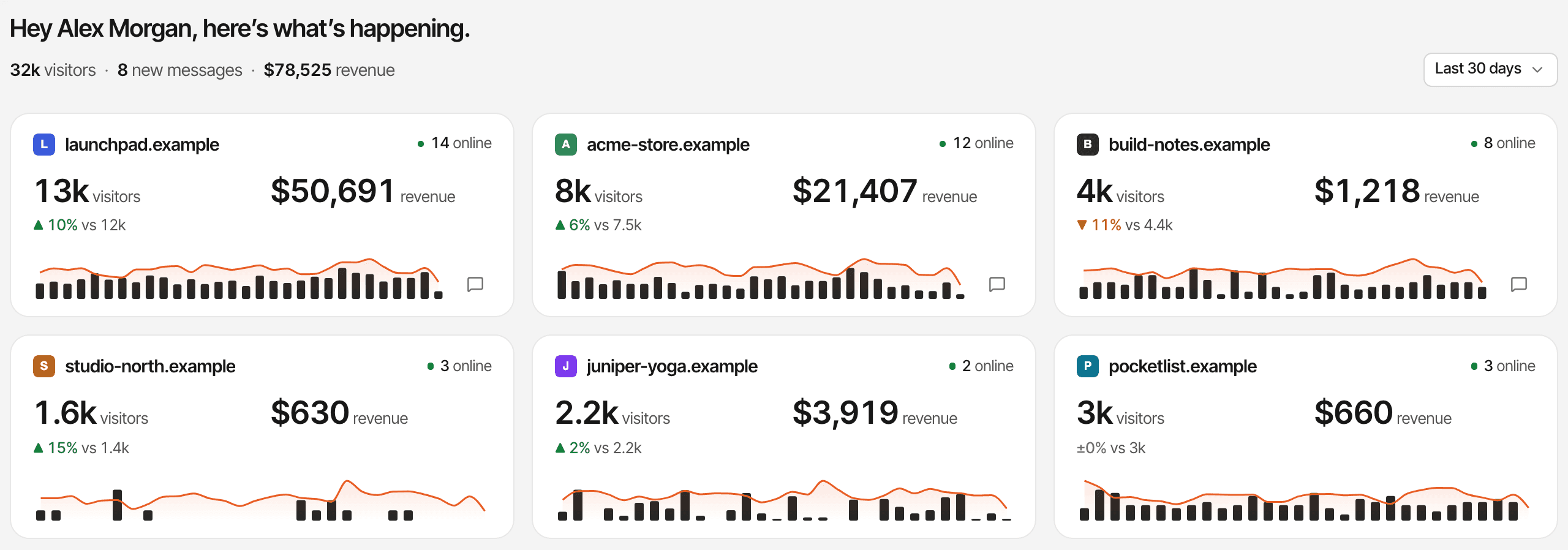
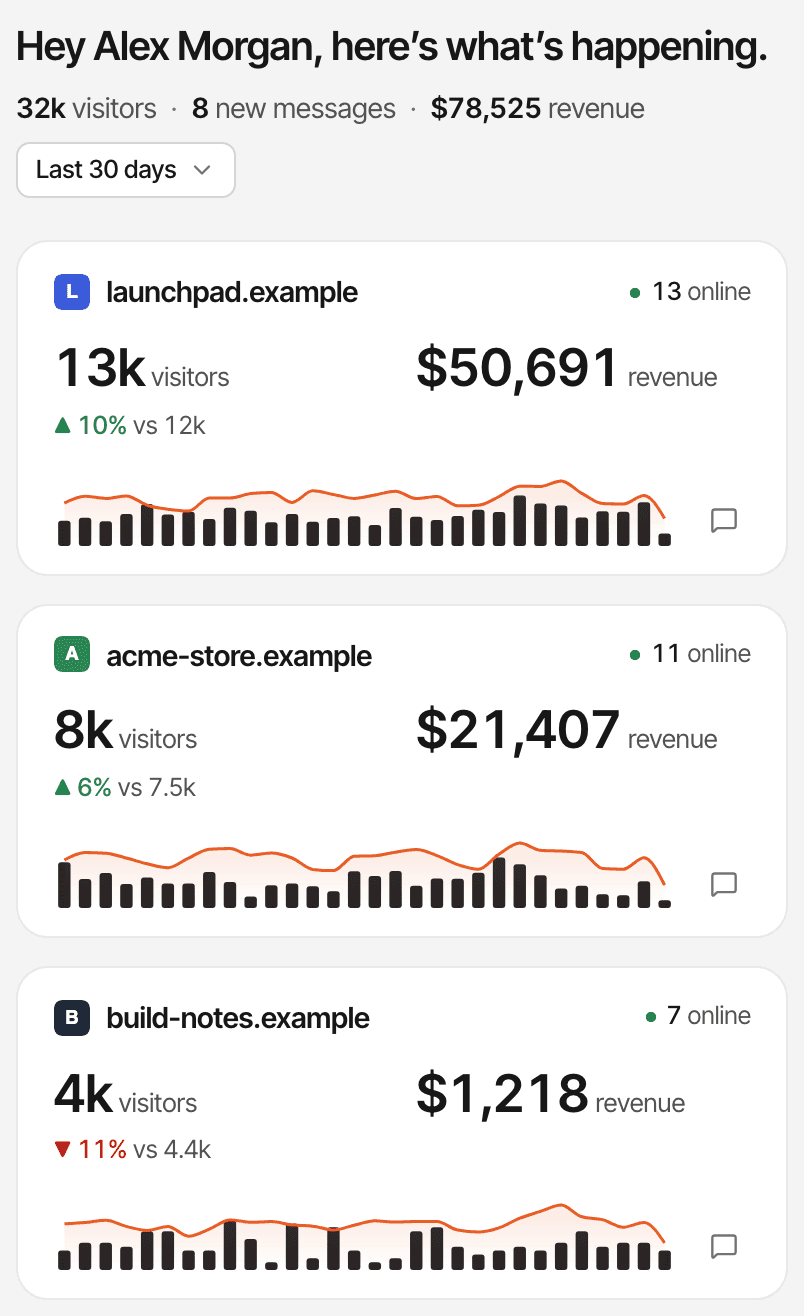
One inbox, even when you run multiple websites
Every website in your account can have its own chat bubble. Read each website's conversations on their own, or all of them in one list, each marked with the website it came from.
Open, unread, resolved, starred
Views that keep the list short. Resolve a conversation when it's done; the visitor's next message reopens it.
Search
Find any conversation by what was said.
Private notes
Notes on a conversation that only you see; the visitor never does.
Quick replies
Saved answers on a /shortcut, dropped in as you type.
Bookmarks
Save a message with tags, such as a feature request or a bug, to come back to.
Blocking
Block a visitor from chatting, and keep the bubble off the pages you choose.
Live chat is included with your analytics
There's no chat plan to buy and no per-conversation fee. Every plan has every feature; the plans differ only in monthly analytics events, storage and how long data is kept.
- Unlimited conversations and messages on every plan
- Pageviews, tracked clicks and custom events count toward your allowance. Chat messages don't.
- Unlimited websites, each with its own chat bubble
- Every plan starts with a 14-day free trial, with no card. One trial per person.
Plans start at
$9 / month
100,000 analytics events a month, unlimited websites and unlimited live chat. Bigger allowances up to 5 million.
14-day free trial · No card required
Questions, answered.
What is live chat with visitor tracking?
Can I see where a visitor came from?
Can I see which pages a visitor visited?
Can I reply to website chats from Telegram?
Can I continue a conversation by email?
Does live chat require a separate installation?
Does SuprAnalytics work across multiple websites?
Is live chat included in the 14-day trial?
More features
- Revenue attributionPayments from your provider, credited to the source that brought each customer.Open
- Traffic analysisVisitors, sources, pages, locations and devices, with filters and the change against the period before.Open
- Realtime analyticsWho's on your website right now, where they came from and what they're reading.Open
- Visitor journeysEach visitor's visits, pages, goals, payments and chats on one timeline.Open
- Conversion funnelsWhere visitors drop off between landing, signup and payment.Open
- Goal trackingCount signups, clicks and pages reached, with conversion rates by source.Open
- UTM trackingCampaign tags read automatically, with visitors, conversions and revenue per campaign.Open
- AI trafficVisits from ChatGPT, Perplexity, Claude and other AI assistants, as their own channel.Open
- Subscription revenueRenewals, refunds and lifetime value, by where customers first came from.Open
- Multiple websitesEvery website in one account, with an all-websites view.Open
- Public dashboardsShare a read-only dashboard by link, without names or payments.Open
- Cookieless trackingAn optional mode that sets no cookies, and what it changes.Open
Stop guessing. Start talking to your visitors.
See where visitors come from, understand what they're looking at, and answer their questions in one place.
14-day free trial · No card required · Live chat on every planEvery feature, on every planRevenue attributionComing from DataFast?