
For indie hackers
Website analytics built for indie hackers
See where visitors come from, which channels bring paying customers, and what people need help with. Analytics, revenue attribution and live chat in one simple dashboard.
14-day free trial · No card required · From $9/month
Launch
You're building the product. You're marketing it. You're supporting customers.
You publish a launch post. Traffic starts coming in. Some people sign up, a few buy, most leave. By the end of the week you want one answer: what actually worked, so you can do more of it.
- Post on X
- Visitors arrive
- Some explore
- A few pay
- You learn what worked
Get visitors
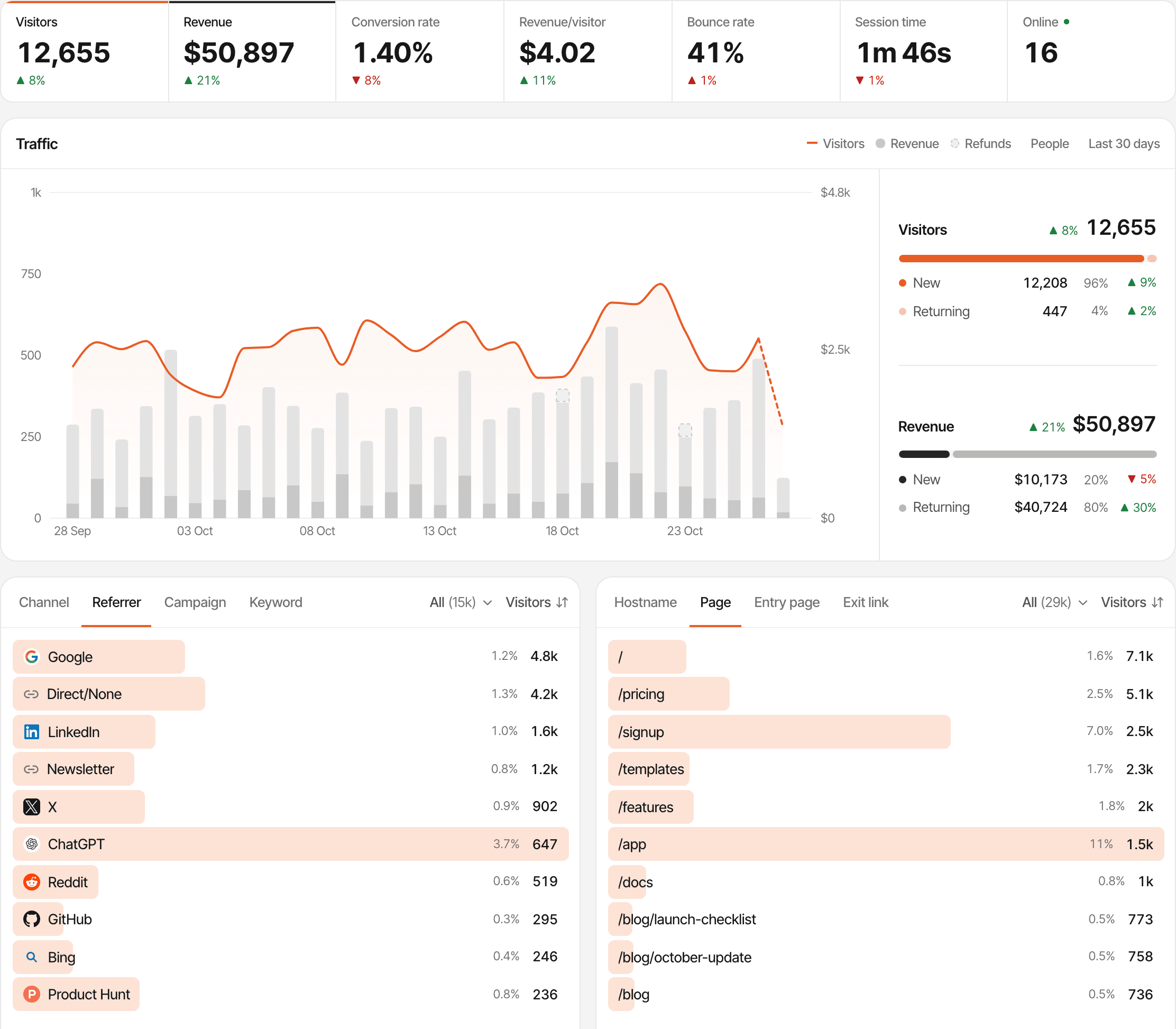
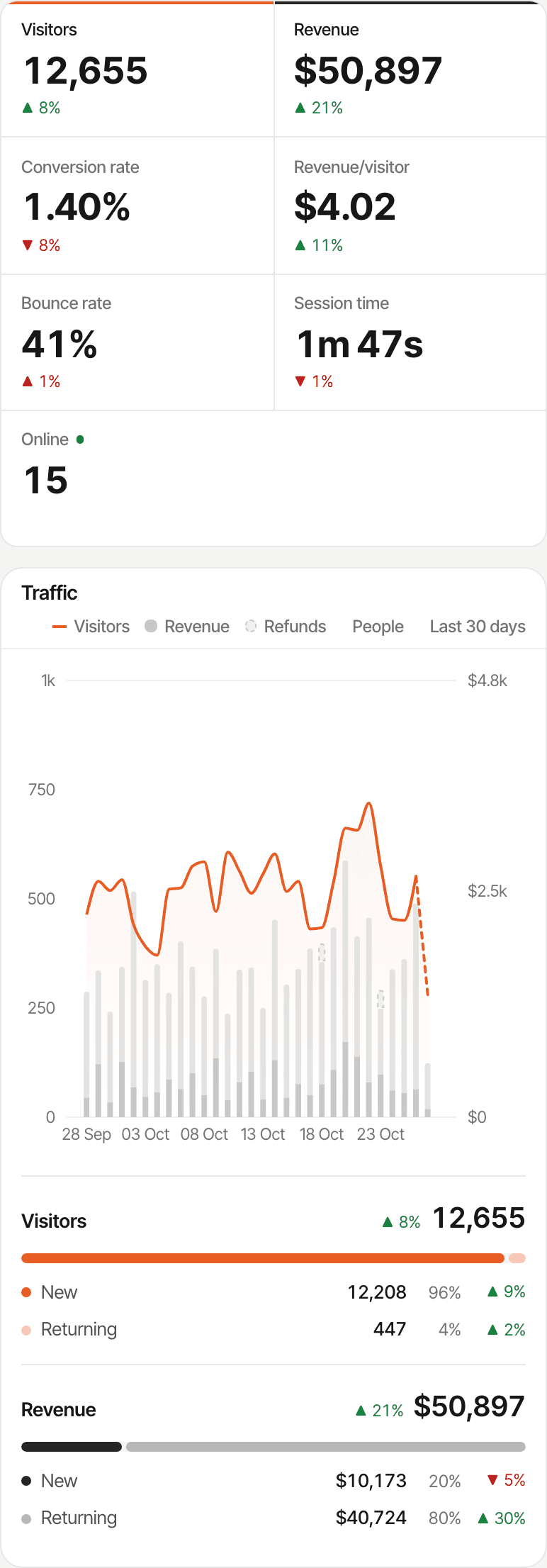
Launched on Product Hunt, Reddit or X? See what happened.
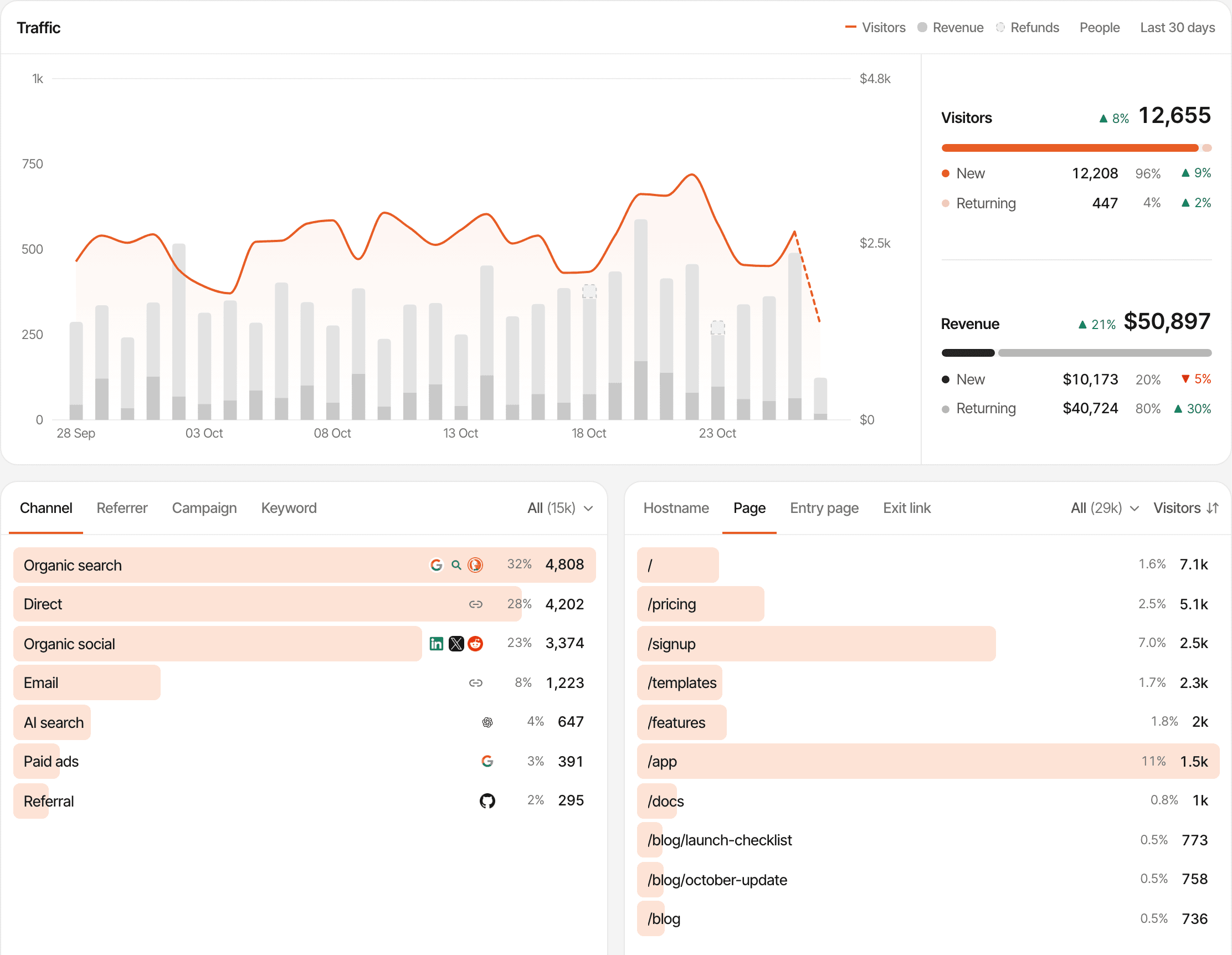
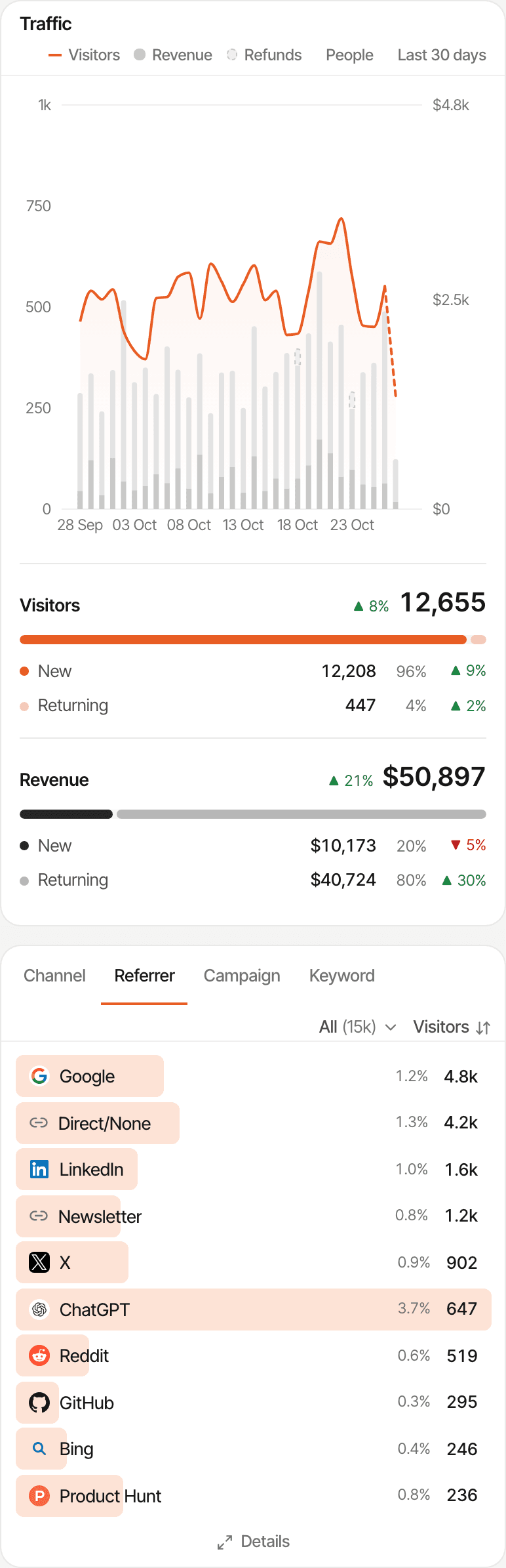
Did the launch bring people in? Which post sent them, which page did they land on, and did anyone keep coming after launch day? Every visit is recorded with its source, campaign and landing page.
- Product Hunt, Reddit, X, Google, newsletters and AI assistants are recognised by name and grouped into channels
- Tag a link with
?ref=producthuntor UTM parameters and that post or issue gets its own line, even when the visit has no referrer - Landing pages and the pages read after them, with the trend day by day so you see whether traffic lasted
- Real-time visitors, for the hour after you hit publish
Not every visit says where it came from: many apps and some browsers send no referrer, and those visits count as direct. A tagged link fixes that for the posts you share. Tracking parameters
Understand behaviour
See what visitors do before they sign up or leave
The pages someone read, the actions they took and where they stopped. You see where people drop out of your path to checkout; asking them why is what the chat is for.
- Landing page
- Pricing
- Checkout
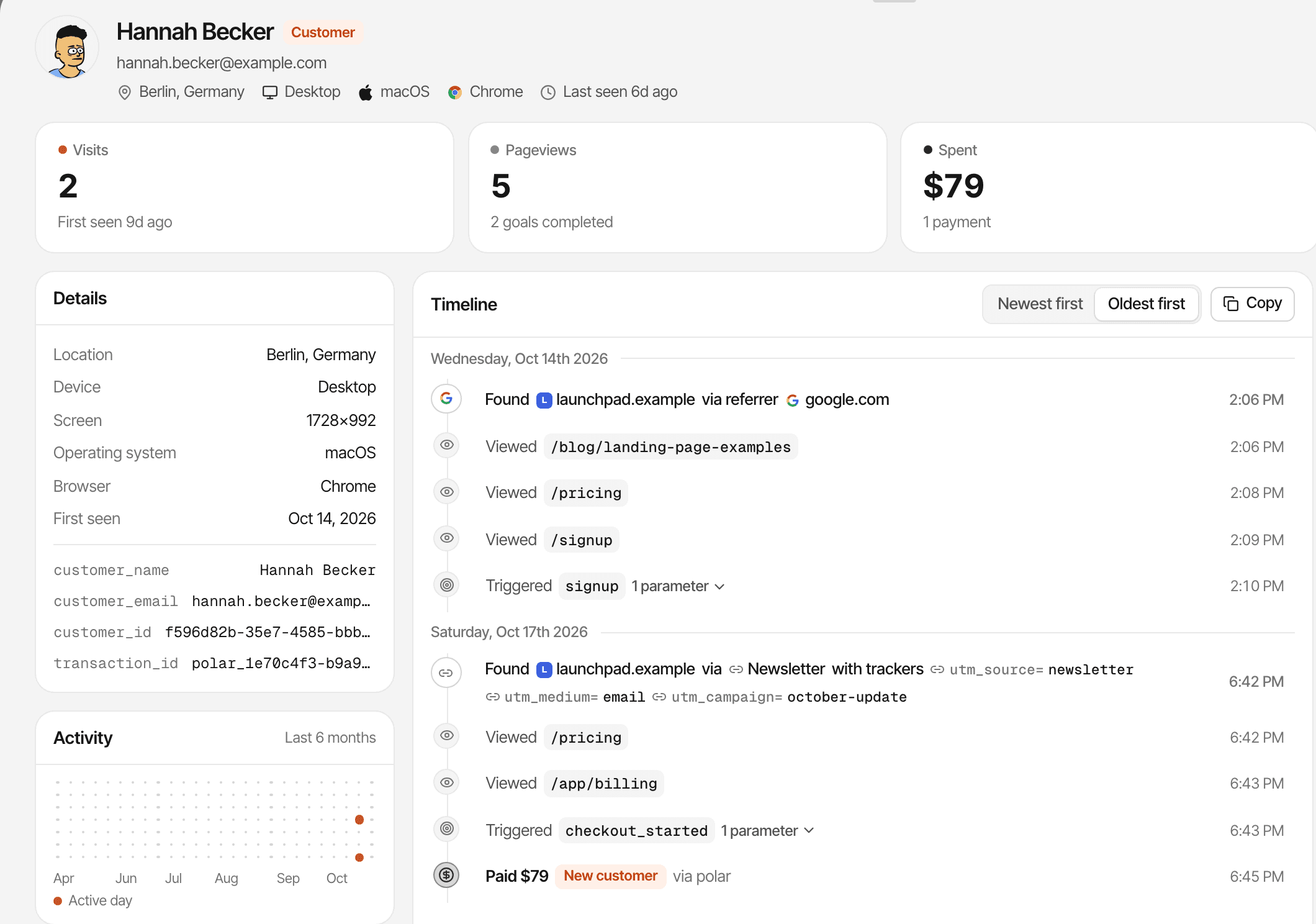
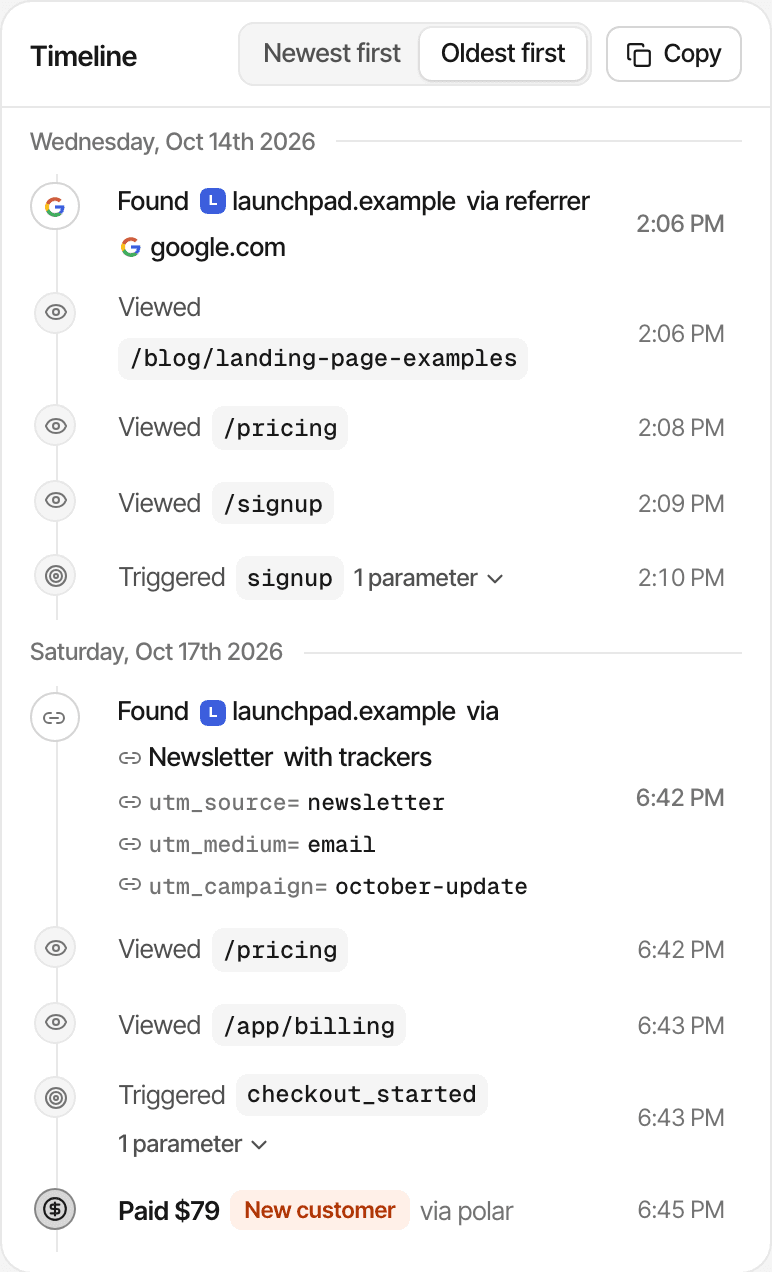
- Visitor journeys: each visit, page, goal and payment in order, with the source that started it
- Goals for the actions that matter to you, such as a sign-up or a click on Buy
- Funnels that show how many visitors reach each step, and where the rest stop
Session recordings and heatmaps stay off until you turn them on; until then SuprAnalytics records pages and the actions you track, not the screen. Someone who switches devices is two visitors until an email or your app's identify call joins them.
Get customers
Traffic is nice. Paying customers are better.
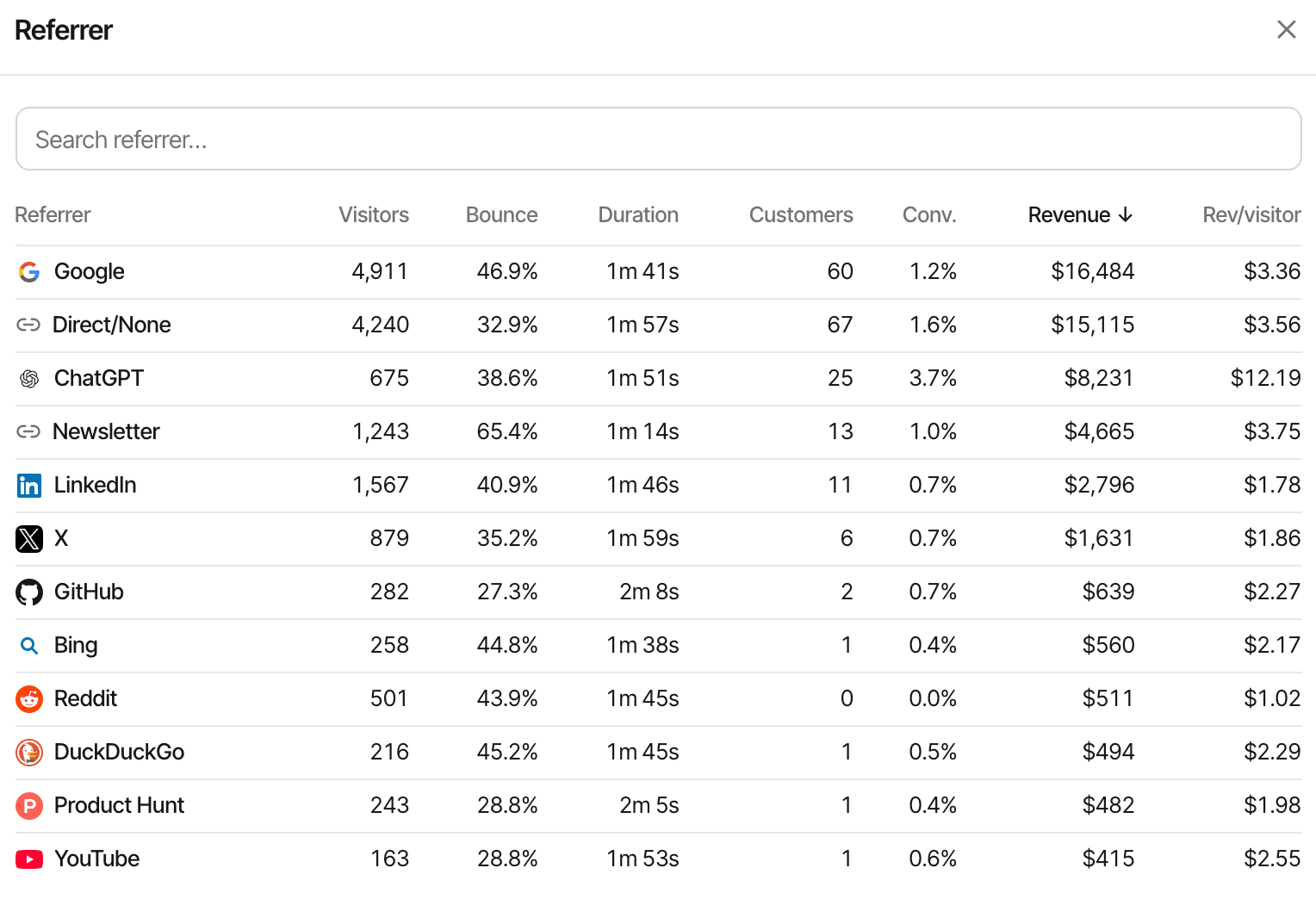
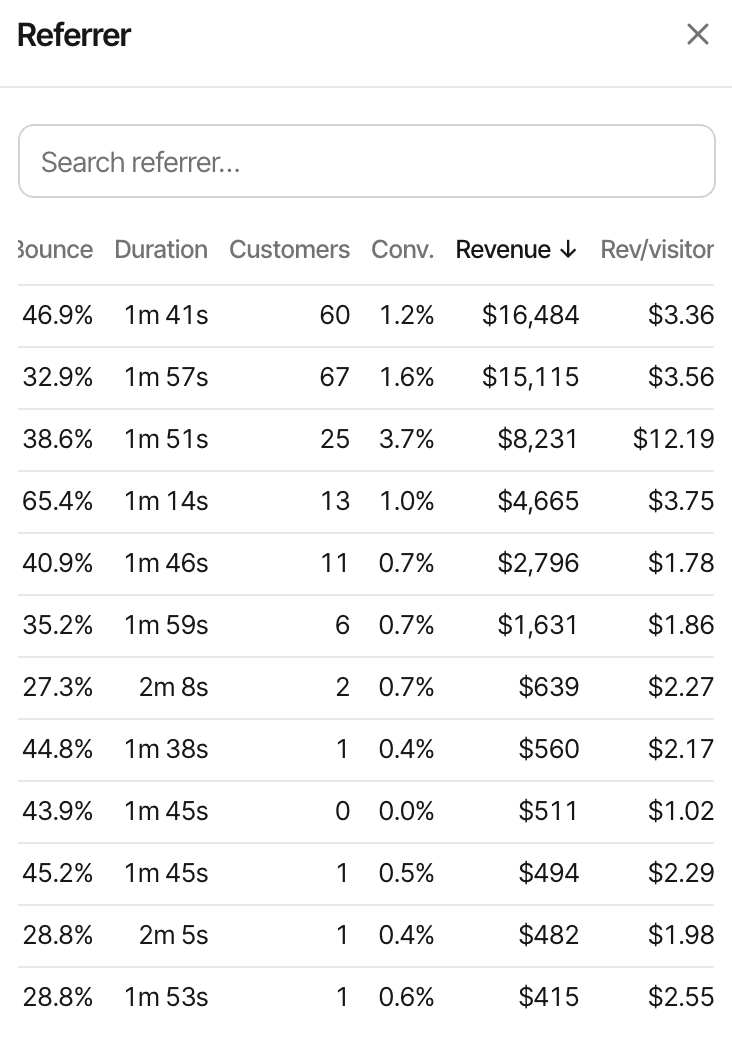
A launch can bring a crowd and no sales; a small thread can bring your best customers. Connect your payment provider and each source shows the customers and revenue it led to, beside its visitors.
Works with Stripe, Polar, Lemon Squeezy, Paddle and Dodo Payments, each through its own webhook, and anything else through the Payment API.
Attribution needs a little setup: the provider's webhook, and the visitor id carried through checkout. Polar checkout links, Dodo Payments links and Paddle.js checkout buttons are tagged by the script; Stripe and Lemon Squeezy take a few lines of your code. A payment that can't be tied to a visit still counts in your revenue, without a source.
| Source | Visitors | Revenue |
|---|---|---|
| Product Hunt | 1,200 | $120 |
| 480 | $350 | |
| 320 | $240 | |
| X | 650 | $90 |
Talk to visitors
Someone has a question? Talk to them.
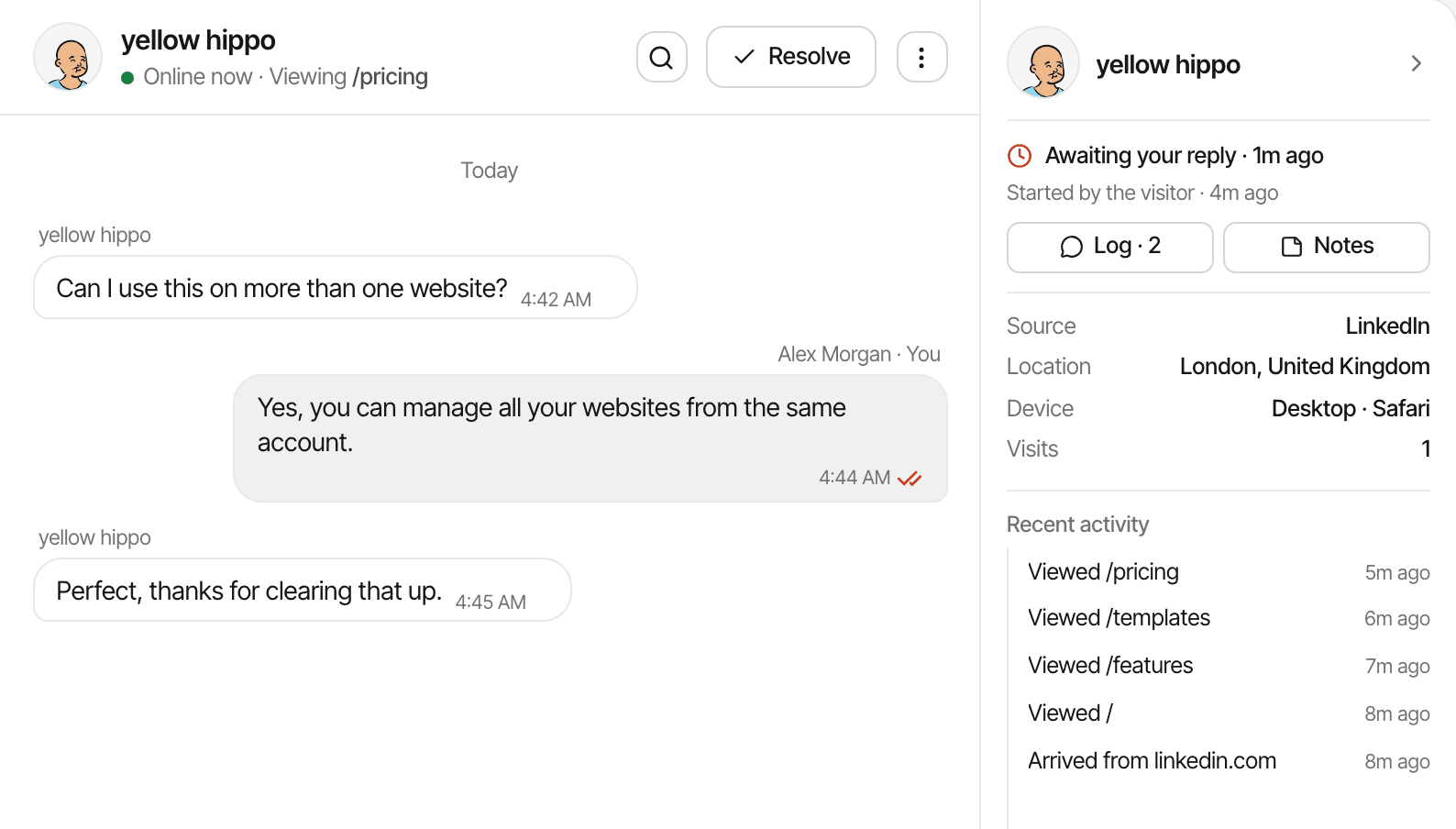
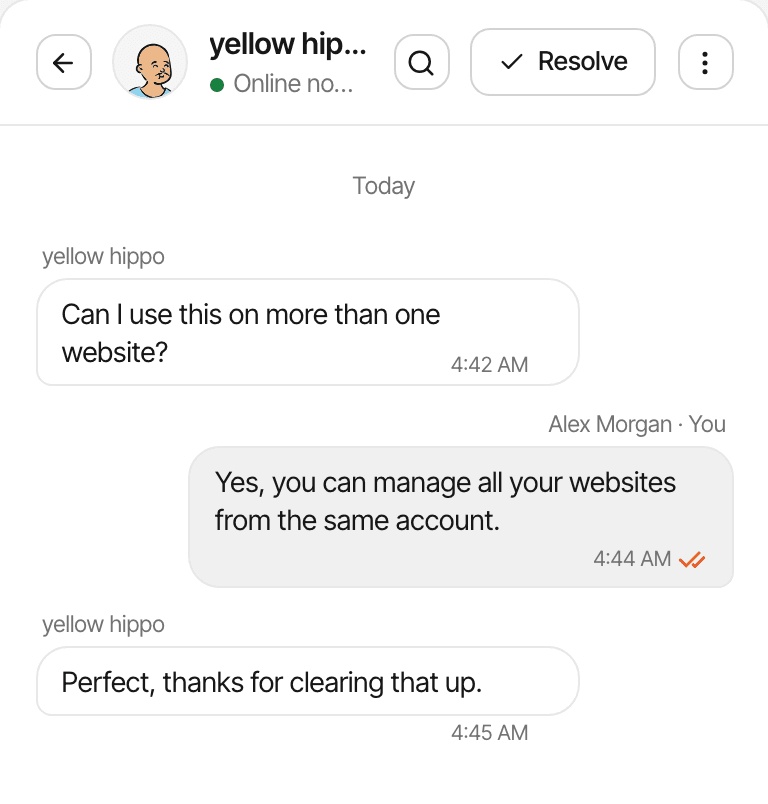
Analytics shows what visitors do; a chat lets them tell you what's stopping them. The chat bubble comes from the same script, and each conversation opens beside that visitor's analytics.
- Their source, the pages they viewed, their device and approximate location, right next to the message
- Reply from Telegram when you're away from the dashboard
- When you're offline, the chat asks for an email so your answer can reach them later
- Page alerts open the chat with your own message on a page you choose, such as /pricing
A name or email appears only when the visitor gives one or your app identifies them. Someone who leaves without writing or leaving an email can't be contacted.
Improve
Running more than one product? Keep them together.
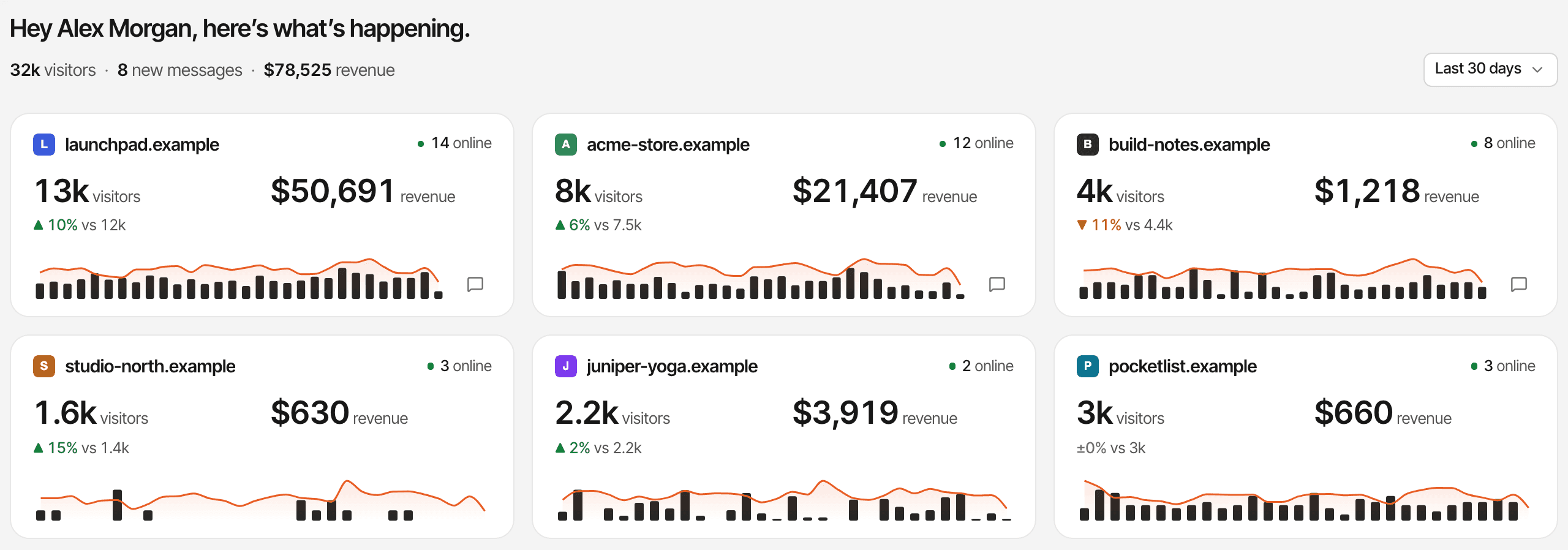
The side project, the main SaaS and the newsletter can live in one account. See which one is moving, open its own dashboard, and answer chats from all of them in one inbox.
Unlimited websites
On every plan. Your allowance is in monthly events, not websites.
All websites
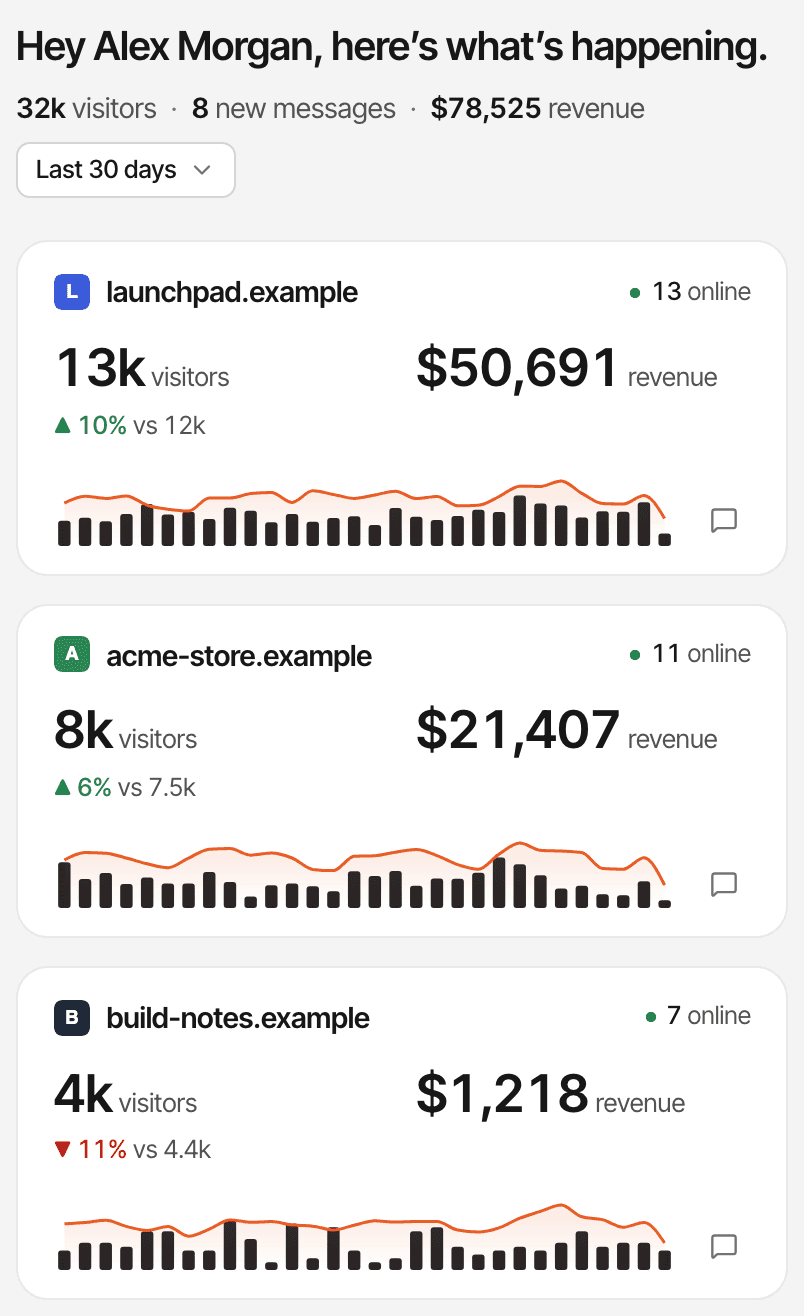
Every website's visitors, revenue, trend and unread chats on one page (how it works).
Each its own setup
Its own dashboard, payment webhook, attribution model and currency.
Build in public
Share a website's dashboard read-only at a link, without naming your visitors or customers (public dashboards).
Install once. Start understanding your visitors.
Analytics and chat run from one script. Revenue takes one more step, per payment provider, whenever you're ready for it.
Add your website
Its name and address, in the app.
Install the script
One line in your pages'
<head>, a guide for your platform (WordPress, Webflow, Framer, Shopify, Next.js and more), or one prompt for Claude Code, Cursor, Lovable and other coding agents.Watch traffic arrive
Visits show up within seconds, live and on the dashboard.
Turn on chat when you want it
A switch in Settings → Chat. Same script, no second snippet.
Connect payments when you're ready
Add your provider's webhook and pass the visitor id to your checkout. This is separate: the script alone doesn't connect your payments. How
Steps 1 to 3 need no code beyond pasting the script. Payment attribution may need a few lines in the code that creates your checkout, depending on the provider.
Everything you need to understand your product's growth
Fewer tabs to check after a launch. Every feature is on every plan.
Understand traffic
Know where visitors come from and what they read.
Sources, campaigns, pages, goals and funnels on one dashboard.
Connect traffic to revenue
See which sources bring paying customers.
Once your payment provider's webhook and checkout are set up.
Talk to visitors
Answer questions from the tool you use for analytics.
The conversation opens beside the visitor's journey.
Start small. Grow when your product does.
Plans differ only in monthly events, storage and how long data is kept. Start on the smallest and move up when your traffic does.
- Unlimited websites
- Unlimited chat conversations and messages
- Email notifications and offline replies
- All analytics, revenue and chat features
- MCP and API access
- No overage charges: recording pauses past the allowance
- Pageviews, tracked clicks and custom events count toward your allowance. Chat messages don't.
| Events a month | Data kept | Price |
|---|---|---|
| 100,000 events | 2 years | $9/mo |
| 300,000 events | 2 years | $19/mo |
| 500,000 events | 3 years | $29/mo |
| 1 million events | 3 years | $49/mo |
| 2 million events | 5 years | $79/mo |
| 5 million events | 5 years | $149/mo |
14-day free trial · No card required · One trial per person
Questions, answered.
What analytics tool is good for indie hackers?
Can I track traffic from Product Hunt, Reddit and X?
Can I see which traffic sources bring paying customers?
Does SuprAnalytics work with Stripe and Polar?
Does SuprAnalytics include live chat?
Can I track multiple side projects?
Do I need coding experience to install it?
Is there a free trial?
More solutions
- For SaaSTrack traffic, trials and subscription revenue back to their sources.Open
- For startupsSee which launches and channels bring paying customers, on a small budget.Open
- For developersA small script, custom events, a payments API and an MCP server.Open
- For agenciesEvery client website in one account, with shareable public dashboards.Open
- For creatorsWhich posts and newsletters sell your digital products.Open
- For small businessesSimple website analytics, goals and a live chat, without the setup.Open
- For landing pagesTrack a landing page's traffic, conversions and campaigns.Open
Stop guessing what's working on your website
Understand your visitors, track the channels bringing revenue, and talk to potential customers from one dashboard.
14-day free trial · No card required