
Cookieless tracking
Understand your website traffic without relying on cookies.
Track website visits, traffic sources, and supported conversion metrics using SuprAnalytics' cookieless tracking mode, with clear visibility into how visitor recognition and attribution change.
14-day free trial · No card required · From $9/month
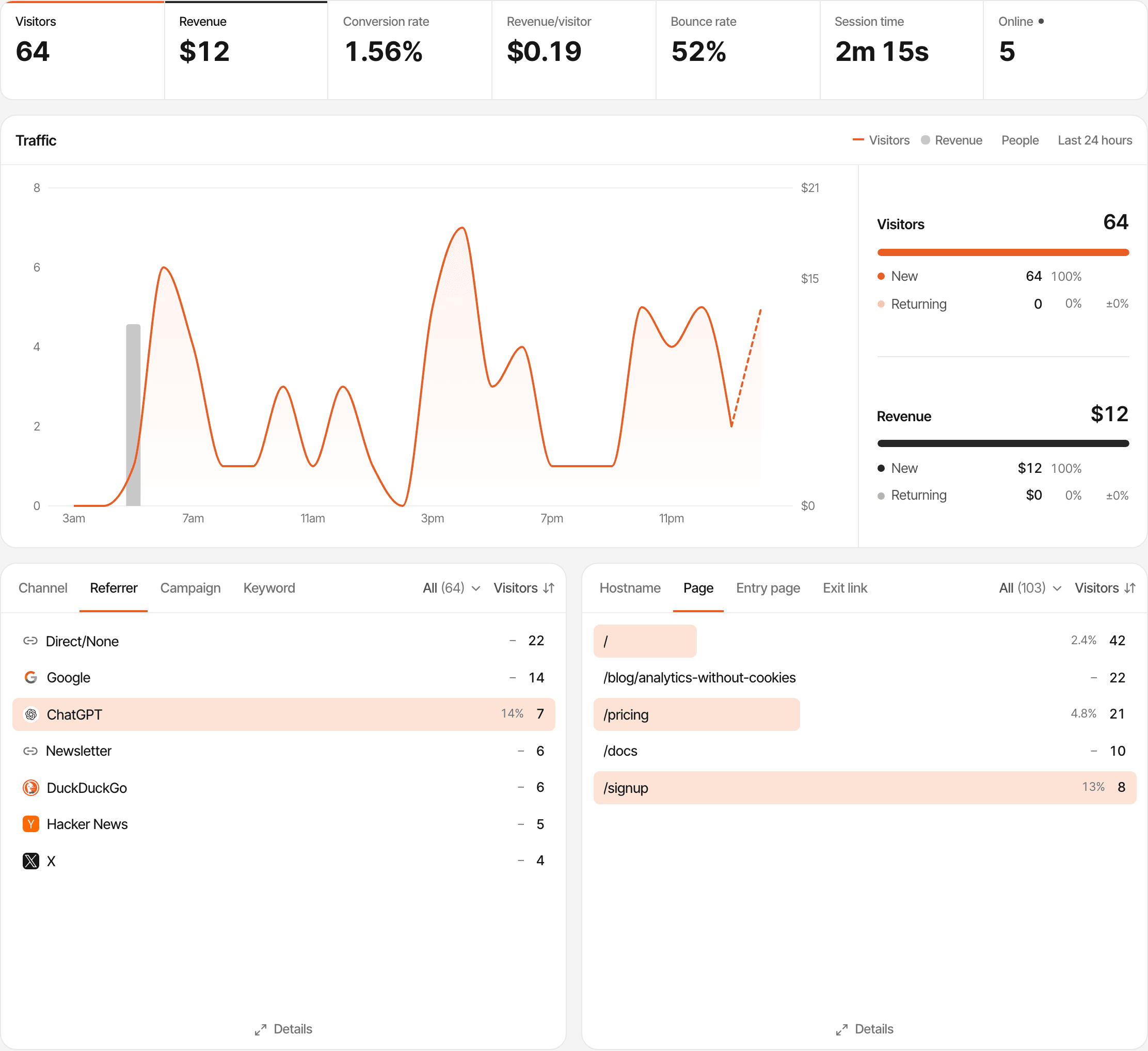
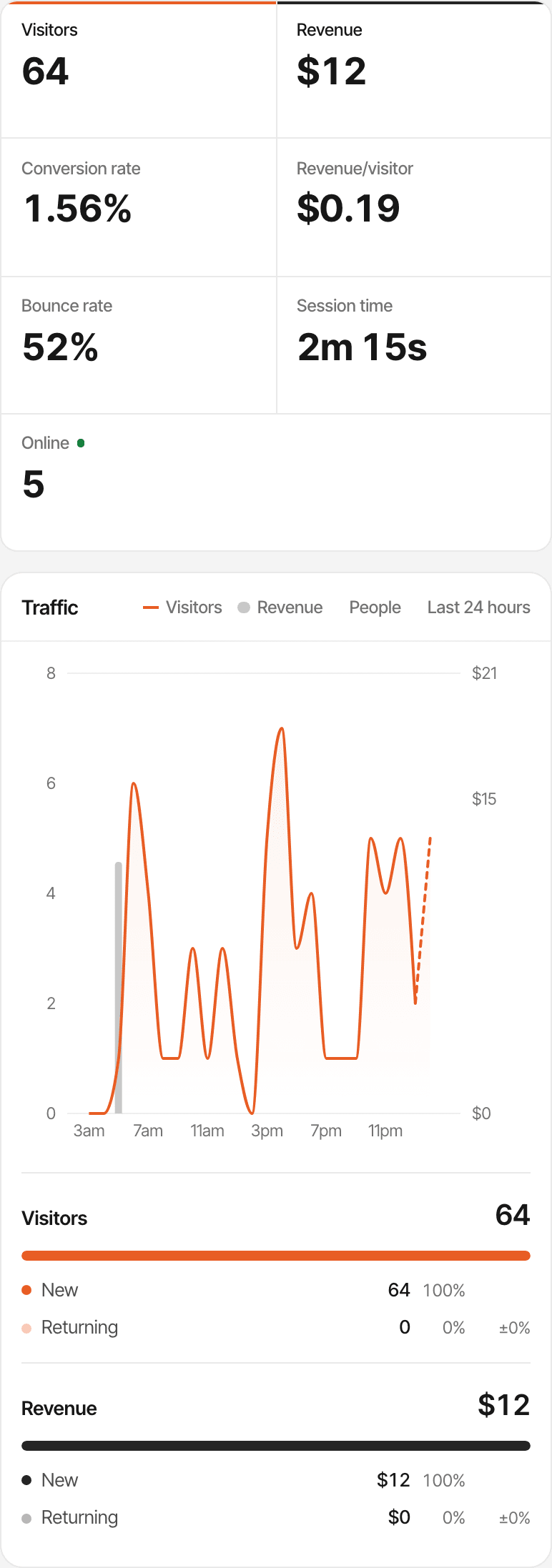
- One attribute
- Add supr-cookieless="true" to the script. Cookies stay the default until you do.
- No cookies
- The script reads and writes no cookies, and keeps the day's ids in the page's memory.
- Recognised for a day
- The same browser on the same network counts as one visitor until midnight UTC.
What is cookieless analytics?
Website analytics that counts visits without saving an identifier in the visitor's browser. Instead of a cookie that remembers someone for months, the visit is recognised some other way, usually for a short time.
The trade is less memory for less storage. Pageviews, sources and same-day behaviour are measured as before; anything that depends on knowing the same person days later becomes approximate or unavailable.
How SuprAnalytics cookieless tracking works.
Cookieless mode is off until you turn it on, one attribute on the script tag.
<script defer supr-website-id="YOUR_WEBSITE_ID"
  supr-cookieless="true"
src="https://supranalytics.app/js/script.js"></script>The browser sends a pageview
With cookieless mode on, the script sends no visitor or session id and saves none.
The server works out the visitor
A one-way hash of a salt for the current day (UTC), your website, the IP address and the browser's user agent.
Visits add up for the day
The same browser on the same network gets the same id until midnight UTC. A visit is that visitor's activity with gaps under 30 minutes.
The IP address is used for that hash and for the location, then dropped; it isn't stored. The user agent is kept only as browser, operating system and device type.
Because the id comes from the network and the browser, people sharing an office network with the same browser can count as one visitor, and someone whose IP address changes during the day becomes a new one. Without cookies, the script also can't pass a visitor between your domains. Cookieless tracking docs
Cookie-based vs cookieless tracking.
Both modes count the same pageviews, sources and goals. What changes is how long a visitor is remembered.
- Stored in the browser
- Cookies: Two first-party cookies: a visitor id (1 year) and a session id (30 minutes)
- Cookieless: No cookies; the day's ids are kept in the page's memory
- Where the visitor id comes from
- Cookies: Made in the browser and kept in the cookie
- Cookieless: Worked out on the server from a daily salt, the website, the IP address and the user agent
- The same person tomorrow
- Cookies: The same visitor, in the same browser
- Cookieless: A new visitor
- Sessions
- Cookies: 30 minutes without activity ends a visit
- Cookieless: 30 minutes without activity, and midnight UTC, end a visit
- Returning visitors
- Cookies: Recognised for up to a year in that browser
- Cookieless: Only within the same day
- Journeys and funnels
- Cookies: Across days
- Cookieless: Within a day
- Revenue credited to a visit
- Cookies: First or last touch, across days
- Cookieless: First or last touch within the day of the visit
- Other devices and browsers
- Cookies: Separate visitors
- Cookieless: Separate visitors
Use one mode on every page of a website. A visitor who meets both counts twice.
Traffic and acquisition reporting.
Everything about a single visit is measured the same way in both modes.
Pageviews and pages
Every page, entry page and outbound link, with bounce rate and time on site.
Sources and referrers
The channel and referrer of each visit: search, social, email, referral, direct.
UTM campaigns
utm_ tags and ?ref= are read from the landing URL, as in cookie mode.
AI traffic
Visits from ChatGPT, Perplexity, Claude and other assistants are their own channel.
Visitor counts are where the modes part: over a week or a month, someone who came on three days counts as three visitors. About UTM trackingAbout AI traffic
Goals and conversions.
Goals are recorded the same way. What a conversion can be connected to is shorter.
Works as usual
- Custom events, clicks, scroll depth and page goals
- Conversion rates per source, page or campaign
- A funnel completed within the same day
Changes without cookies
- A funnel whose steps span days: the later steps belong to a new visitor
- A goal sent from your server needs the day's visitor id from supr.visitorId() in the browser; there's no cookie to read it from
Revenue attribution without cookies.
Payments are still recorded from your provider. Crediting them to a visit depends on the day.
Credited
A payment made on the day of the visit, when the checkout carries that day's visitor id. First touch and last touch then both mean the first and last visit of that day.
Not credited to a visit
A first visit on Monday and a purchase on Thursday: Thursday's visitor is new, so Monday's source isn't connected. The payment still counts in your revenue.
- The day's visitor id is known in the browser only after the first pageview has been answered; a checkout must use supr.visitorId() after that.
- Server-side checkout examples that read the visitor cookie don't apply; pass supr.visitorId() from the page instead.
- Paddle.js buttons already on the page when it loads are tagged before the day's id is known in cookieless mode, so their payments aren't credited to a visit.
If first-touch attribution across days matters to you, the default cookie mode keeps it. How revenue attribution works
Visitor journeys and returning visitors.
A daily identifier means a daily memory.
- Returning visitors
- Counted only when someone comes back on the same day. Over longer periods nearly everyone is new.
- Journeys
- A visitor's journey is one day long. Tomorrow's visits start a new journey.
- Identified people
- A name or email you send with identify stays with that day's visitor; it isn't carried to the next day or merged.
- Live chat
- Works in cookieless mode. A conversation continues through the day; the next day the widget starts fresh, unless the visitor comes back through the link in your reply email.
- Other devices
- A phone and a laptop are two visitors in either mode. Nothing is merged across devices or browsers.
- The live view
- Who is on your website now, with their pages and sources, as in cookie mode.
Privacy and consent considerations.
Cookieless mode changes what's stored in the browser. It doesn't decide your legal obligations.
What the technology does
- No cookies are set or read
- IP addresses aren't stored
- The visitor id is a one-way hash that changes every day
- The user agent is kept only as browser, operating system and device
What it doesn't do
- Make visitors anonymous: the id is pseudonymous, derived from the IP address and browser, and singles out a browser for a day
- Read Do Not Track or Global Privacy Control signals
- Ask for or record consent: there's no consent manager
- Store nothing at all: an opt-out flag (when someone uses your ignore link) and, with live chat on, a note that the visitor dismissed the email prompt can be saved in the browser
Whether you need consent or a cookie banner depends on where you and your visitors are, what you collect (names and emails you send with identify, for example) and how you use it. Rules on storing data in a browser and rules on personal data are separate questions. This page isn't legal advice; check with someone who can give it. Privacy policy
Who cookieless analytics is for.
Privacy-conscious SaaS teams
Measure the marketing site and product pages with no analytics cookies, and decide case by case where you need longer memory.
Indie hackers
One attribute on the script, the same dashboard, and sources and pages from the first visit.
Creators
Count readers and where they come from on a blog or newsletter site without a cookie.
Small businesses
See visits, sources and enquiries on a brochure site with less stored in visitors' browsers.
It suits sites that mostly need traffic and same-day conversions. If you sell on long consideration cycles and want to know which first visit led to a sale weeks later, keep cookie mode. SuprAnalytics for indie hackers
Questions, answered.
Does SuprAnalytics use cookies?
How does cookieless mode recognise a visitor?
How are sessions counted without cookies?
Can cookieless mode tell returning visitors?
Do goals and conversions work without cookies?
How does revenue attribution work in cookieless mode?
Do I still need consent or a cookie banner?
How do I turn on cookieless tracking?
More features
- Revenue attributionPayments from your provider, credited to the source that brought each customer.Open
- Live chatTalk to visitors with their source, pages and journey beside the chat.Open
- Traffic analysisVisitors, sources, pages, locations and devices, with filters and the change against the period before.Open
- Realtime analyticsWho's on your website right now, where they came from and what they're reading.Open
- Visitor journeysEach visitor's visits, pages, goals, payments and chats on one timeline.Open
- Conversion funnelsWhere visitors drop off between landing, signup and payment.Open
- Goal trackingCount signups, clicks and pages reached, with conversion rates by source.Open
- UTM trackingCampaign tags read automatically, with visitors, conversions and revenue per campaign.Open
- AI trafficVisits from ChatGPT, Perplexity, Claude and other AI assistants, as their own channel.Open
- Subscription revenueRenewals, refunds and lifetime value, by where customers first came from.Open
- Multiple websitesEvery website in one account, with an all-websites view.Open
- Public dashboardsShare a read-only dashboard by link, without names or payments.Open
Measure what matters, with fewer persistent identifiers.
Turn on cookieless mode with one attribute, keep your traffic, sources and same-day conversions, and know exactly what changes.
14-day free trial · No card requiredPricingAll featuresCompare