
AI and search crawlers
See which AI and search crawlers read your pages.
AI assistants and search engines fetch your pages without running JavaScript, so no tracking script sees them. Forward their requests from your server and the crawler card shows who came, how often and what they read.
14-day free trial · No card required · From $9/month
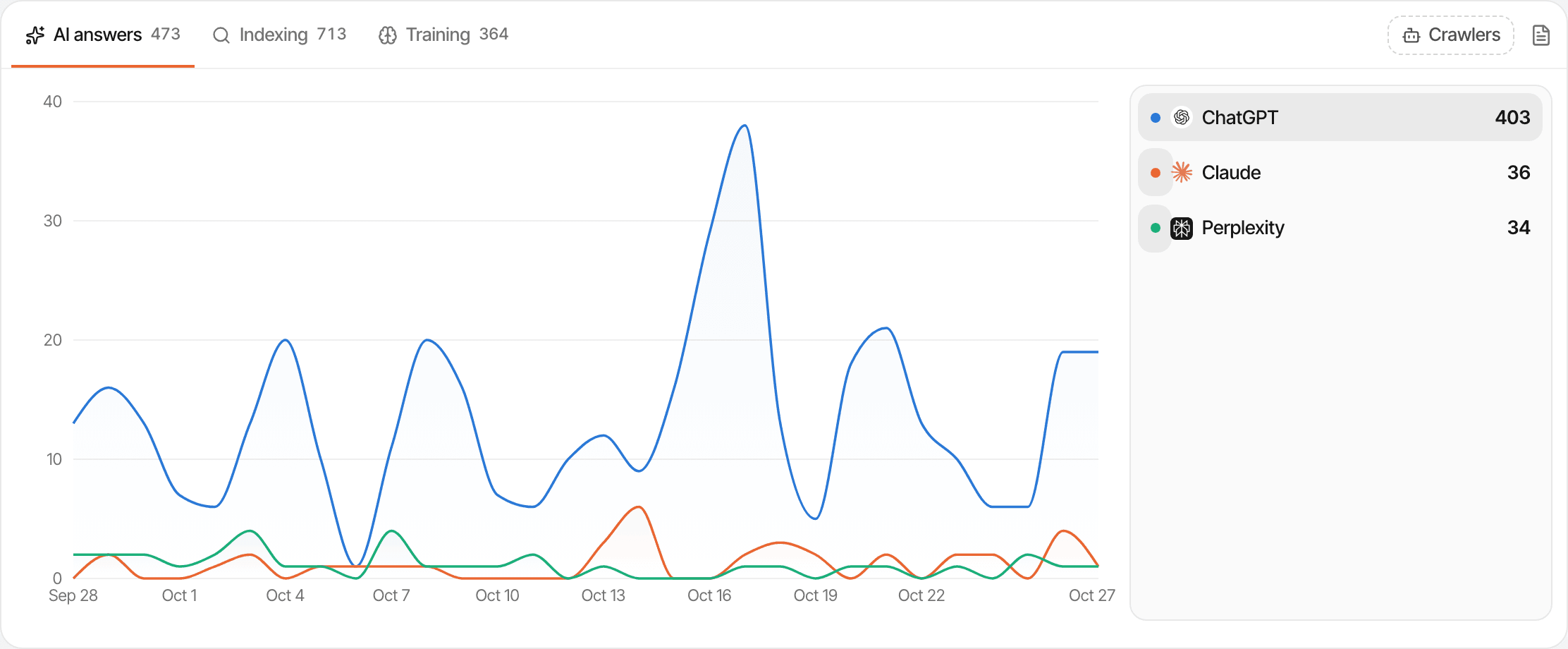
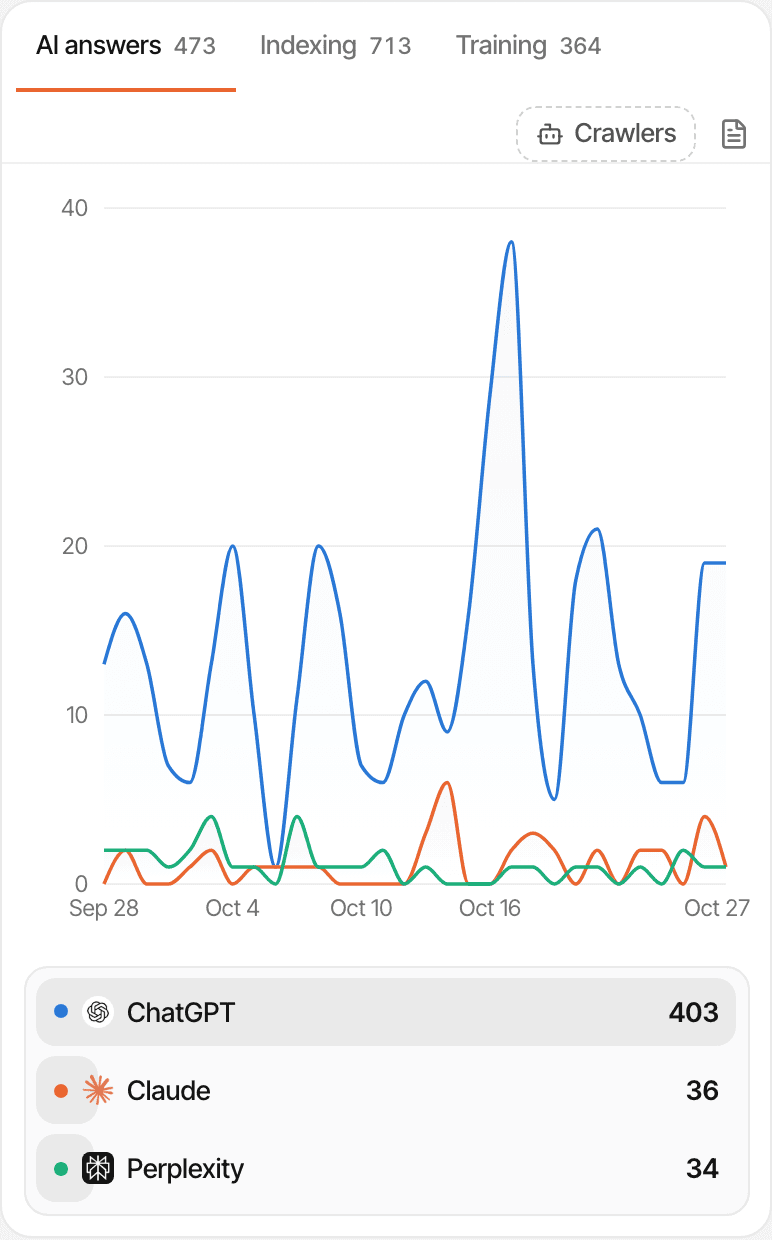
Three reasons a bot comes by.
Each request is sorted by its user agent.
- AI answers
- Fetched live because someone asked an assistant: ChatGPT-User, Claude-User, Perplexity-User, MistralAI-User and others.
- Indexing
- Search engines, including AI search: Googlebot, bingbot, OAI-SearchBot, PerplexityBot, Claude-SearchBot, Applebot and others.
- Training
- Collecting text to train models: GPTBot, ClaudeBot, Google-Extended, CCBot, Bytespider, Amazonbot and others.
What the crawler card shows.
On the dashboard, for the period you're looking at:
- A total for each of the three groups, on its own tab
- Each crawler's requests over the period, one line each
- The pages each crawler requested, up to 12 per crawler
robots.txt,llms.txtand sitemaps count as reads; requests for scripts, styles, images and fonts are left out
Kept apart from your visitors.
A crawler request isn't a visit. Bots that do reach the tracking script are dropped, so crawler hits never show up as visitors, pageviews or sources. For people who click through from an assistant's answer, see AI traffic.
- Not events
- Crawler hits don't count towards your plan's monthly events.
- Kept like analytics
- They're kept for your plan's data history, like the rest of your analytics.
- Yours to hide
- Not interested? Hide the crawler card in Settings → General.
Set it up.
Get an API key
The website's API key is in Settings → API. Keep it on your server.
Forward crawler requests
In your server or middleware, send each bot request's user agent and path to
POST /api/v1/crawl. The card's setup has snippets for Next.js, Express and curl.Watch the card
Hits show on the dashboard's crawler card under AI answers, Indexing and Training.
How it works, in detail.
The docs page “Track AI and search crawlers” goes through it step by step.
Limits worth knowing
- It needs a few lines on your server or in your middleware; without them the card stays empty
- Crawlers are recognised by their user agent only: a bot that isn't on the list, or that claims to be a browser, isn't counted
- A crawler fetching a page doesn't tell you whether the page then appeared in an answer
- Up to 100 hits per request to the API
Questions, answered.
Why can't the tracking script see crawlers?
Which crawlers are recognised?
Do crawler hits count as visitors or events?
Can I send every request, not just bots?
How is this different from AI traffic?
Is there an API reference?
More features
- Cookieless trackingAn optional mode that sets no cookies, and what it changes.Open
- No IP addresses storedLocations are worked out as hits arrive; the address itself is never kept.Open
- Exclude visitsLeave out your own visits, IPs, paths, hostnames or countries, and stop floods.Open
- Ad-blocker proxyServe the script from a subdomain of your own website.Open
- Subdomains and extra domainsOne visitor across your subdomains, and several domains reporting to one website.Open
See it on your own website.
Every feature is on every plan, with a free trial and no card.
14-day free trial · No card requiredPricingHow it worksAll features