
First or last touch
Choose which visit gets the credit for a sale.
Each payment keeps the customer's first visit and their last visit before paying. Pick first touch or last touch for each website, and every revenue report follows.
14-day free trial · No card required · From $9/month
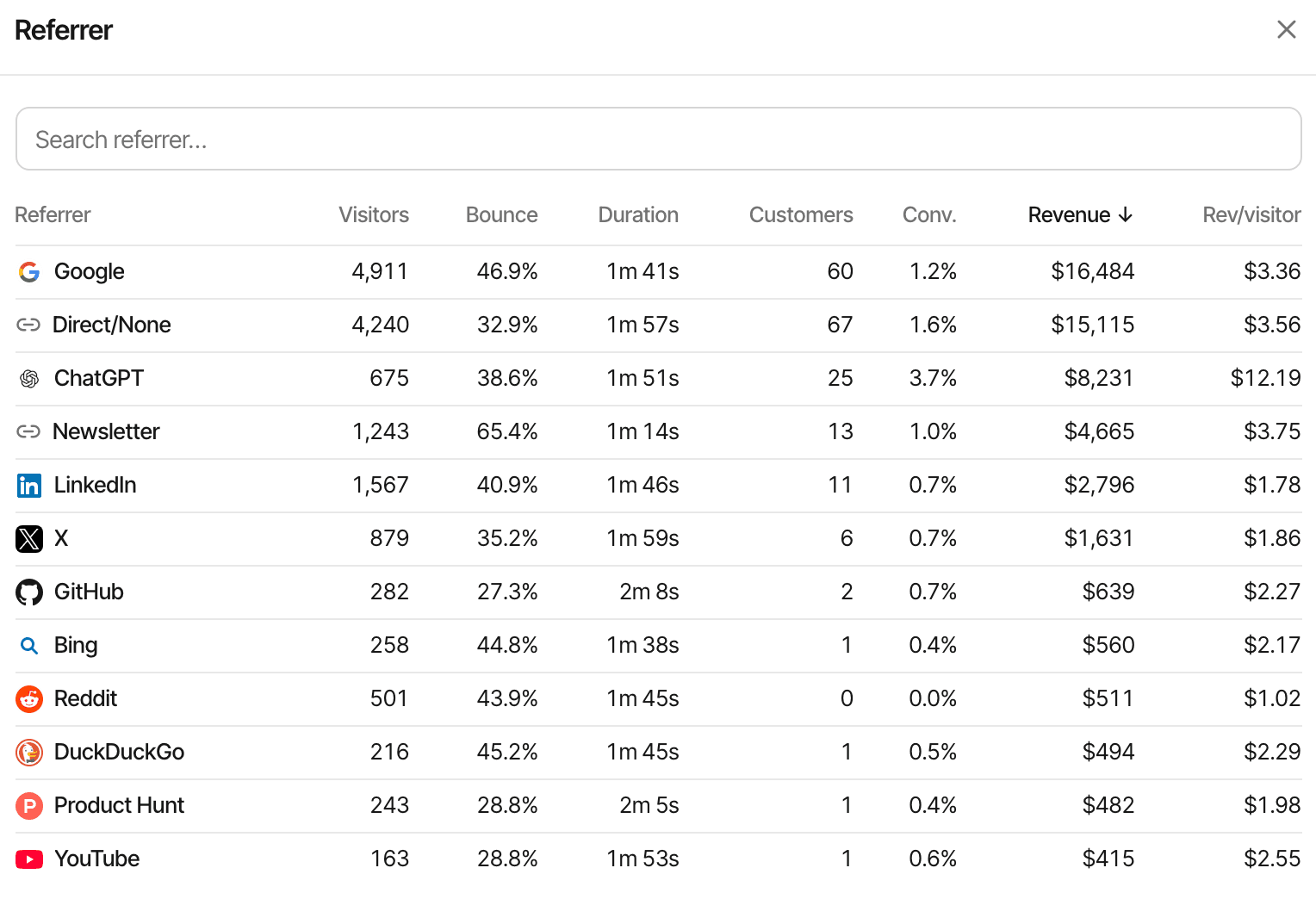
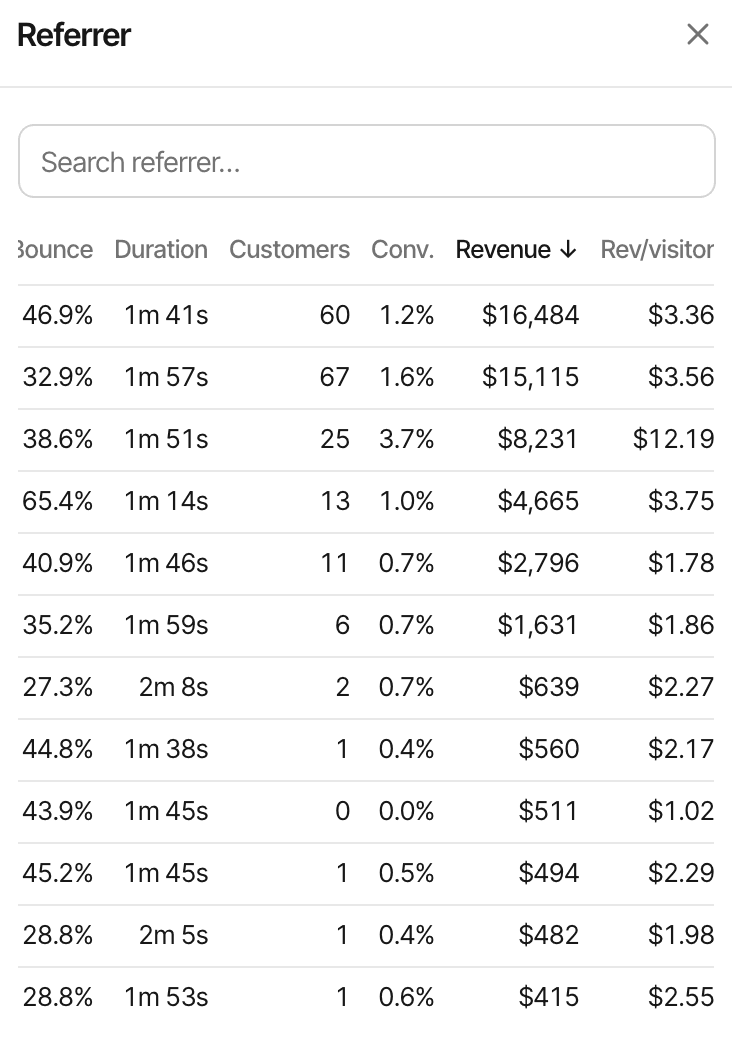
Two visits on every payment.
When a payment is matched to a visitor, SuprAnalytics stores two of their visits with it: the first visit they ever made to your website, and their most recent visit before paying. Each carries its source, campaign, landing page and location.
- First touch
- The visit that brought the customer in. It answers "what finds new customers?"
- Last touch
- The latest visit before the payment, the one they bought on. It answers "what closes the sale?" It's the default for a new website.
- Switch at any time
- Both visits are stored on each payment, so switching re-credits past payments straight away. The revenue total stays the same; only the sources change.
Every revenue report follows.
The choice lives in Settings → Revenue → Attribution model, one per website, with an example journey that shows which visit each model credits.
- Revenue on every source, referrer, campaign, page and country row
- The payments list, each payment shown with the visit it's credited to
- Filters: a dashboard filtered to a channel shows the revenue credited to that channel
- The weekly summary email and the embeddable widgets
- The MCP server's tools use the website's model unless you pass
modelasfirstorlast
For the reasoning, with worked examples, read first-touch vs last-touch attribution.
How a payment finds its visitor.
The tracking script gives every visitor an id, kept in the supr_visitor_id cookie for a year. Pass it to your checkout and the payment is tied to that visitor's visits. Polar checkout links, Dodo payment links and Paddle checkout buttons carry it with no code.
- Visitor id
- Read back from the checkout's metadata when your provider's webhook arrives, or sent with the Payments API.
- Customer id
- No visitor id on the payment? An earlier payment with the same customer id points to the visitor.
- Otherwise a visitor with the same email, from identify or an earlier payment.
If nothing matches, the payment still counts in your revenue, as revenue without a source.
Set it up.
Connect your payments
Polar, Dodo Payments, Paddle, Stripe, Lemon Squeezy or the Payments API, in Settings → Revenue.
Pass the visitor id
Add
supr_visitor_idto your checkout's metadata, or use a checkout that carries it for you. Each provider's docs page shows how.Pick the model
Settings → Revenue → Attribution model: First touch or Last touch.
How it works, in detail.
The docs page “How revenue attribution works” goes through it step by step.
Limits worth knowing
- Two models only: first touch and last touch. No linear, time-decay, position-based or data-driven models
- No last non-direct model: with last touch, a customer who comes back directly to pay credits Direct
- One model per website at a time, for all of that website's revenue reports
- Visits are joined by the visitor id of one browser; a customer's visits on another device aren't merged in
- In cookieless mode a visitor is recognised for a day, so both models choose among that day's visits
- It shows which visit came before a payment; it doesn't track ad spend or prove a channel caused the sale
Questions, answered.
What's the difference between first-touch and last-touch attribution?
Which attribution model is the default?
Does changing the model change past reports?
Does last touch skip direct visits?
Can I use a multi-touch model?
What happens to payments without a visitor id?
More features
- Revenue attributionPayments from your provider, credited to the source that brought each customer.Open
- Visitor journeysEach visitor's visits, pages, goals, payments and chats on one timeline.Open
- Conversion funnelsWhere visitors drop off between landing, signup and payment.Open
- Goal trackingCount signups, clicks and pages reached, with conversion rates by source.Open
- Subscription revenueRenewals, refunds and lifetime value, by where customers first came from.Open
- RetentionHow many people come back each day, week or month after their first visit or goal.Open
- Your #1 KPIPut a goal instead of revenue at the centre of the dashboard.Open
- Goal alertsAn email whenever a goal you care about is completed.Open
See it on your own website.
Every feature is on every plan, with a free trial and no card.
14-day free trial · No card requiredPricingHow it worksAll features