
Who is asking
Know who is asking before you answer.
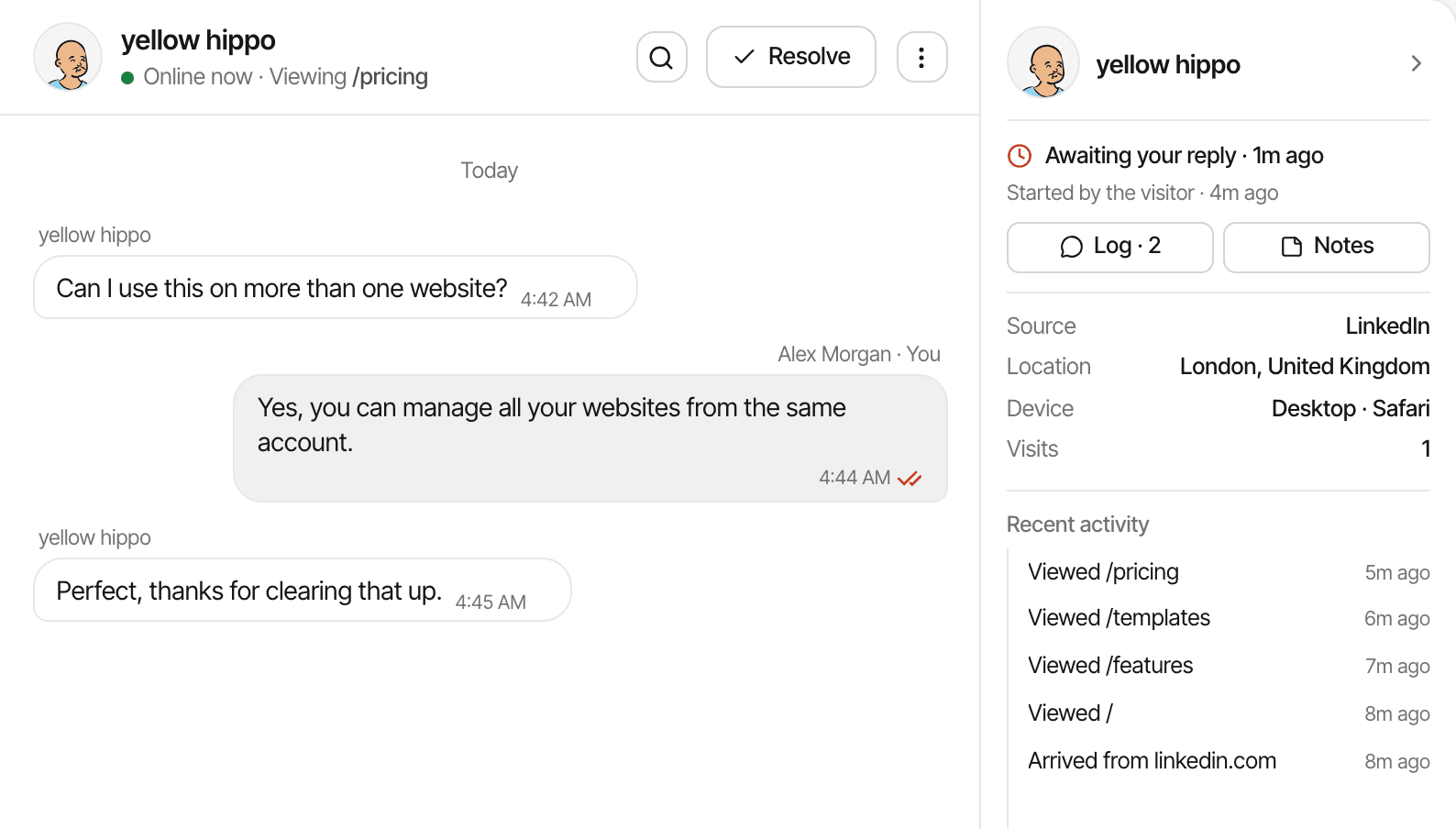
Beside each conversation, the Inbox shows where the visitor came from, where they are, what they browse on and what they did on your website, because the chat and the analytics come from the same script.
14-day free trial · No card required · From $9/month
Beside every conversation.
- Right now
- Online or away, and the page they're on this minute, or the last one they were on.
- Source
- Where their latest visit came from, or Direct.
- Location
- City and country, worked out as the visit arrived; IP addresses aren't stored.
- Device
- The device type and browser of their latest visit.
- Visits
- How many times they've been on the website.
- Recent activity
- Newest first: the pages they viewed, goals they completed, links they clicked away, payments, and where each visit came from.
Where the conversation stands.
Above the details: whether it's awaiting your reply or the visitor's and since when, who started it (the visitor, you or a page alert), and buttons for its activity log and the team's internal notes.
Their whole story, one click away.
Click the visitor's name to open their profile: every visit with its source, and each page, goal and payment in order, the same visitor journey the analytics show. A profile also holds the conversation, so you can message someone you noticed in the analytics before they write.
A name or email appears only when the visitor leaves one in the chat or your app identifies a signed-in user. Otherwise the visitor goes by a generated name, such as yellow hippo.
How it works, in detail.
The docs page “Chat with your website visitors” goes through it step by step.
Limits worth knowing
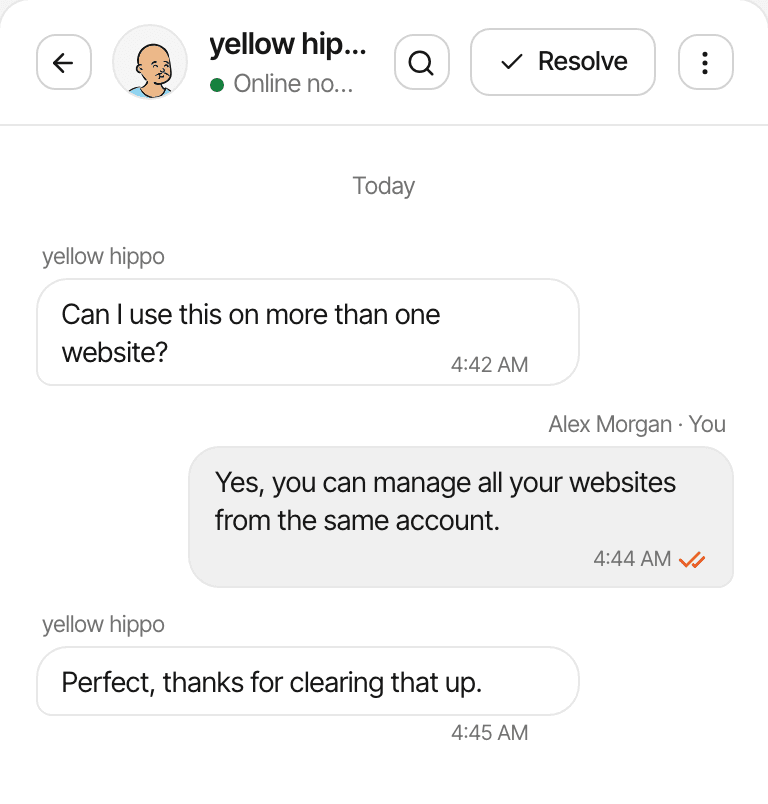
- The details panel shows beside the conversation on wide screens; on a phone, open the visitor's profile instead
- Source, location and device are from the visitor's latest visit
- With cookieless tracking, a visitor is recognised for a day, so a returning visitor's earlier visits may not be linked
Questions, answered.
What does the Inbox show about a visitor?
Do I need to set anything up for this?
How do I see a visitor's name or email?
Can I message a visitor who hasn't written?
Is the visitor's location exact?
More features
- Live chatTalk to visitors with their source, pages and journey beside the chat.Open
- One inboxEvery website's conversations in one place, with open, unread, resolved and starred views.Open
- Quick repliesSaved answers on a /shortcut, dropped in as you type.Open
- Replies by emailA visitor who has left gets your answer by email, with a link back.Open
- Page alertsA chat message that goes out by itself when someone opens a page you chose.Open
- Replies, reactions and filesQuote a message, react with an emoji, and send files with link previews.Open
- Notes, bookmarks and assignmentPrivate notes, bookmarks with tags, and an owner for each conversation.Open
- Blocking and searchBlock a visitor, search every conversation, and keep the widget off chosen pages.Open
- Alert soundsA sound for a new message, a goal or a sale while the dashboard is open.Open
See it on your own website.
Every feature is on every plan, with a free trial and no card.
14-day free trial · No card requiredPricingHow it worksAll features